
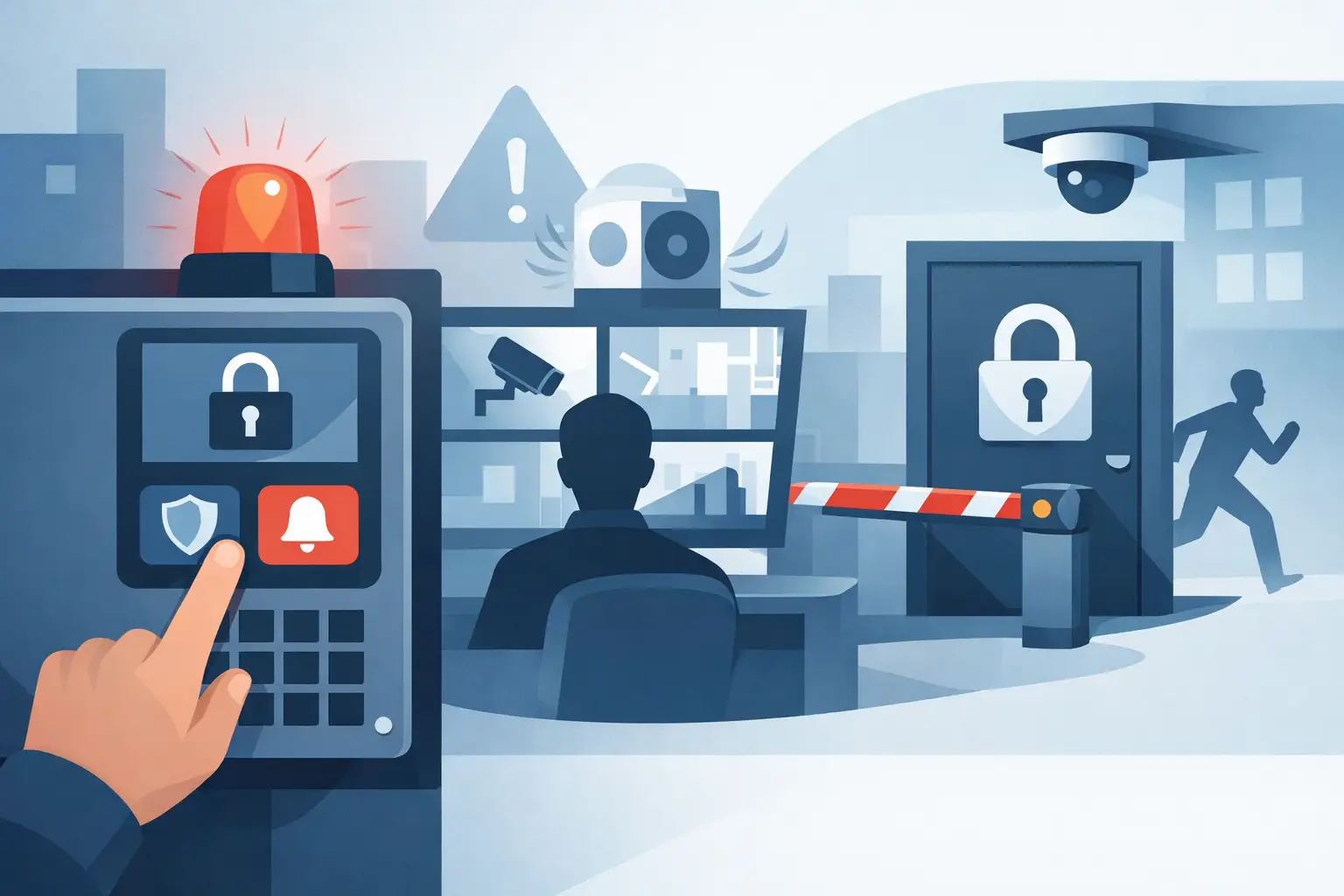

When a front office receives a threat report, staff should not have to search for keys, call multiple people, or wonder whether a door will secure. An emergency lockdown system guide starts with that real-world expectation: the right people need a clear way to initiate a lockdown, doors must respond as planned, and occupants must still be able to exit safely.
For schools, offices, medical facilities, houses of worship, municipal buildings, and other properties, lockdown planning is not simply a matter of adding a button near the reception desk. It is a coordinated security design that brings together access control, door hardware, alarm signaling, video verification, network reliability, staff procedures, and applicable fire and building codes.
What an emergency lockdown system should do
A properly designed lockdown system helps authorized staff quickly restrict access to selected doors or areas during a credible threat. Depending on the facility and the event, this may mean securing exterior entrances, interior corridor doors, classroom doors, or a defined section of the building.
The system should be easy to activate under stress. That might involve a clearly identified lockdown button, a secured touchscreen command, a mobile credential, or an authorized command from the access control platform. The best activation method depends on the building layout, who is responsible for initiating it, and how quickly that person can reach the control point.
Just as important, the system must provide confirmation. Staff need to know that the command was received and that designated doors reached their intended state. Visual status displays, access control event logs, alarm notifications, and camera views can all help confirm what is happening without sending someone into a hallway to check a door.
Lockdown does not mean trapping people inside. Emergency egress requirements remain in effect. Occupants must be able to leave through required exit paths, and the design must coordinate with fire alarm and life-safety systems. This is one reason professionally specified door hardware and controls matter. A system that appears simple on paper can create serious safety and code issues when installed incorrectly.
Start with the building, not the equipment
Every property has different traffic patterns and risks. A school may need to secure classroom corridors while keeping first responders informed. A small business may need to lock exterior doors and protect a stockroom without interrupting an active fire exit. A public-facing office may need reception staff to secure the lobby while employees move to a protected interior area.
Before choosing devices, identify the doors that matter most. Exterior entries, doors connecting public and employee-only spaces, side entrances, loading areas, and gates are common priorities. Then consider how people normally move through the property. A door used hundreds of times each day may need different hardware and operational rules than a rarely used emergency exit.
A site assessment should also identify existing infrastructure. Legacy card readers, magnetic locks, electric strikes, door contacts, cameras, intercoms, and alarm panels may be usable, but compatibility must be verified. Modern IP-based access control can offer detailed status and remote management, while some facilities benefit from a hybrid approach that preserves functional equipment and upgrades the weak points.
Define what activates lockdown
A lockdown event can begin in several ways: a staff member sees a threat, an administrator receives a report, an alarm is activated, or law enforcement directs the facility to secure access. Your procedure should define who may trigger a lockdown and what happens after activation.
For many facilities, more than one activation point is appropriate. A main office control may be the primary method, but a second protected location can reduce dependency on one person or one area. Some organizations also need remote activation capability for authorized managers, particularly when they oversee multiple sites. Remote control should use secure user permissions, not shared passwords or an open internet connection.
Avoid a one-size-fits-all response. A full-building lockdown may be appropriate for one situation, while a localized lockdown could be safer and less disruptive for another. The system should support the response plan your organization has established with its safety leadership and local authorities.
Choose hardware that matches each opening
Door hardware is where many lockdown projects succeed or fail. Electric strikes, electrified panic hardware, magnetic locks, and other controlled locking devices each operate differently. The correct choice depends on the door construction, frame condition, fire rating, occupancy type, traffic level, and required exit behavior.
For example, a high-traffic exterior door may need commercial-grade electrified hardware and door-position monitoring. An interior office door may require a different approach. Doors with fire ratings require especially careful attention because modifications, wiring methods, and hardware selection can affect the opening's listing and code compliance.
Door contacts are often overlooked, but they are valuable. Knowing that a lock command was sent is not the same as knowing a door is physically closed. A monitored opening can report whether it is open, forced, held open, or properly secured. That information helps staff respond faster and gives first responders a clearer picture of conditions inside the building.
Connect access control, cameras, and communications
An emergency lockdown system works better when it is part of a coordinated electronic security system. Access control provides the command and the door status. Cameras give staff the ability to verify activity at entrances, hallways, parking areas, and gates. An alarm or notification system can alert authorized personnel that a lockdown has started.
Camera placement should support decision-making, not just recording. At minimum, decision-makers may need views of primary entrances, key hallways, reception areas, and exterior approaches. Good image quality, adequate lighting, correct camera angles, and reliable recording retention all affect whether video is useful during an event.
Network design also matters. Access control panels and cameras may rely on switches, power supplies, servers, or cloud-managed services. A system should be designed so that a routine network problem does not leave critical doors in an unknown condition. Battery backup, supervised power supplies, protected network equipment, and clearly documented fail-safe or fail-secure behavior should be reviewed for every controlled opening.
There are trade-offs. Centralized systems can provide excellent visibility and management, but they require thoughtful network and power planning. Local controls may continue operating during certain communications failures, but they may offer less centralized information. The right design balances operational needs, budget, and the facility's risk profile.
Test the system before an emergency tests it
Installation is only the start. A lockdown system needs scheduled testing, documented results, and staff practice. A door that worked during installation can later develop problems from worn hardware, a weak battery, a changed network setting, a damaged reader, or a door closer that no longer latches consistently.
Testing should verify the complete sequence: authorized activation, door response, egress operation, status reporting, camera access, notifications, and return to normal operation. Test during realistic conditions when possible, including normal business hours, because a system may behave differently when doors are in constant use.
Staff training should stay simple. Employees need to know how to activate the procedure, where to move, how to avoid opening secured doors for unknown individuals, and who communicates with emergency responders. They do not need a technical explanation of every controller or relay. Clear responsibilities reduce hesitation when seconds matter.
A practical maintenance review should include at least these items:
- Confirm door hardware latches, locks, and releases correctly.
- Check backup power, power supplies, and low-battery alerts.
- Review access control permissions and remove former employees or outdated credentials.
- Verify camera views, recording, and remote access for authorized users.
- Test notifications and document any repairs or procedural changes.
Work with qualified security and life-safety professionals
A lockdown project affects physical security, electrical work, networking, building use, and life safety. It should be planned with qualified security professionals and coordinated with the authority having jurisdiction, fire officials, facility leadership, and other required parties. Local code requirements and building conditions can change the correct solution substantially.
ATECH SECURITY LLC helps property owners and facility leaders in Southern New Jersey, Philadelphia, and Pennsylvania design, install, service, and support integrated access control, surveillance, alarm, and gate systems. The goal is not to sell unnecessary equipment. It is to build a system that staff can operate confidently, that supports daily security, and that performs as intended when a serious situation develops.
A well-planned lockdown system gives people a clear action to take when uncertainty is highest. Start with the doors, people, and procedures already in your building, then make sure the technology supports them without creating new risks.
Comments