
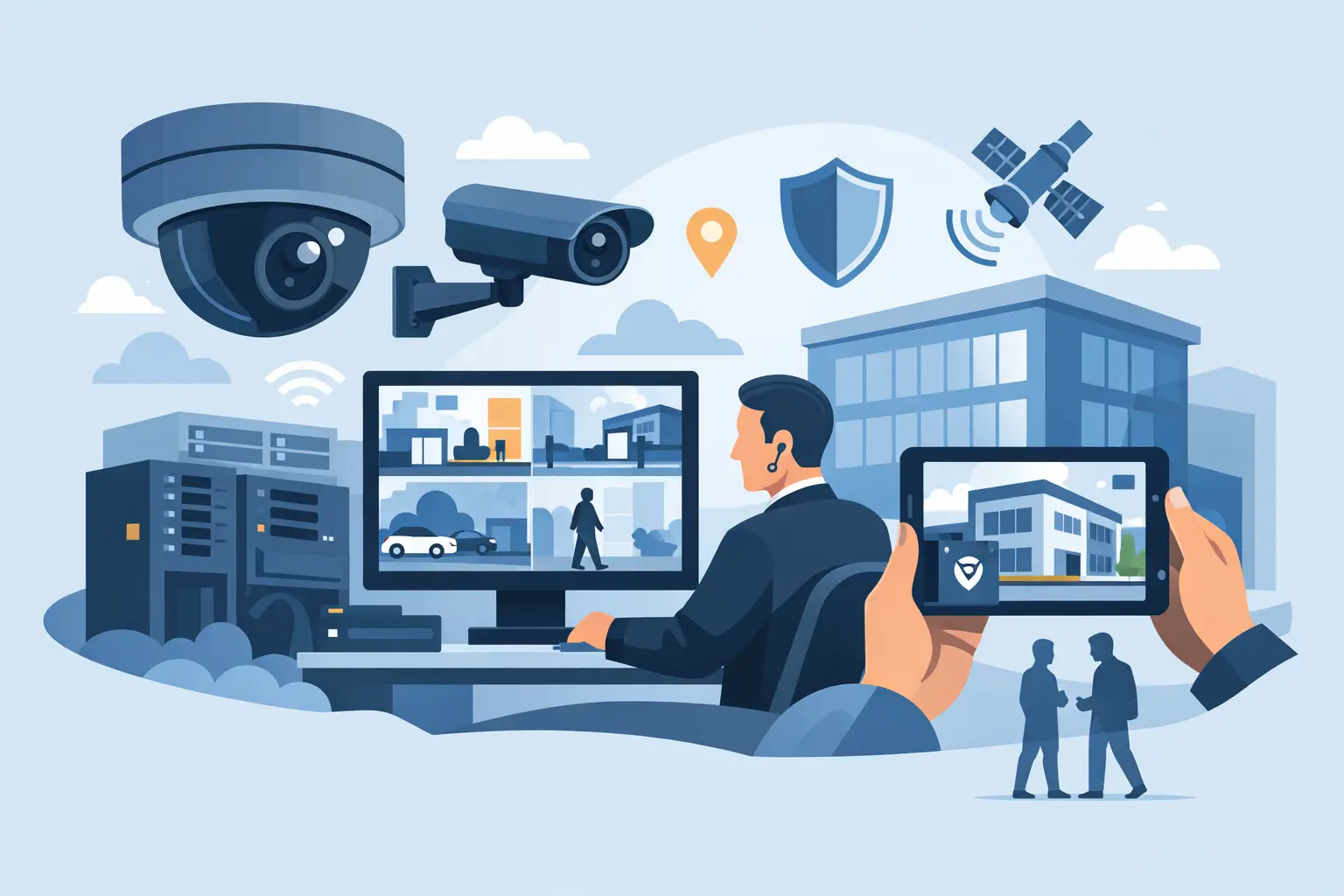

A camera that captures a clear face at the front door but misses a license plate in the parking lot is not a good system. It is a partial system. This commercial surveillance system guide is built for property owners, facility managers, school administrators, and business decision-makers who need coverage that works in real conditions, not just on a proposal.
The right surveillance setup does more than record incidents after the fact. It helps deter theft, verify deliveries, monitor entrances, support employee safety, and give you visibility when you are off-site. But the best system for a retail store is not the same as the best system for a warehouse, office, apartment building, or school campus. That is where planning matters.
What a commercial surveillance system should actually do
Most buyers start by asking how many cameras they need. That is understandable, but it is not the first question that matters. A better question is what the system needs to help you see, prove, and respond to.
For some sites, the priority is identifying a person entering through a main entrance. For others, it is tracking vehicle movement, monitoring cash handling areas, watching loading docks, or checking whether a gate or door was left open. A useful system starts with those specific goals and builds coverage around them.
That also means balancing deterrence and documentation. Visible cameras can discourage trespassing and theft. At the same time, camera placement, image quality, retention settings, and lighting conditions determine whether your footage is usable when you actually need it. A system that records motion blur or poorly lit scenes may still be expensive, but it will not be very helpful.
Commercial surveillance system guide: start with risk and layout
Every building has blind spots, choke points, and higher-risk areas. Before choosing hardware, walk the property with a practical eye. Think about where people enter, where vehicles stop, where visitors can access restricted areas, and where incidents are most likely to happen.
A small office may only need strong exterior coverage, front entry monitoring, and a view of interior traffic flow. A larger facility may need layered coverage across entrances, hallways, parking areas, stock rooms, perimeters, and after-hours access points. Schools and public buildings often need broader situational awareness along with clear identification at controlled entry points.
This is also where trade-offs start. Wide-angle coverage can show more of a scene, but it may reduce detail at distance. A tighter field of view improves identification, but it covers less area. In many commercial projects, the right answer is a mix of both rather than relying on one camera type everywhere.
Choosing cameras by job, not by marketing label
Camera selection should follow the environment and the purpose of each view. Dome cameras often work well indoors where you want a clean appearance and general-area coverage. Bullet cameras are common outdoors when longer viewing distances and visible deterrence matter. Turret cameras can be a strong option for flexible placement and good image quality without some of the glare issues that affect certain housings.
Resolution matters, but it is not the only thing that matters. A higher-resolution camera can provide better detail, but only if the lens, angle, lighting, and recording settings support that detail. More megapixels can also increase storage and bandwidth demands. That is why a better system design does not simply push the highest number available. It matches image quality to the task.
Night performance is another area where buyers can be disappointed if expectations are not set correctly. If your property has low light, backlighting, or mixed lighting near doors and parking lots, those conditions need to be addressed in the design. Good nighttime footage depends on camera capability, placement, and available light. Sometimes supplemental lighting makes a bigger difference than changing the camera model.
Recording, storage, and remote access
A surveillance system is only as useful as its ability to store and retrieve footage when needed. For most commercial sites, that means deciding how long to keep recordings, which cameras should record continuously, and which can rely on motion or event-based recording.
Retention needs vary. A small business may be comfortable with a shorter storage window, while schools, property managers, and public-sector facilities may need longer retention for investigations, liability review, or policy requirements. Higher image quality and more cameras increase storage demand quickly, so this is one of the biggest places where system design affects long-term value.
Remote access is now a standard expectation, but it should be set up with care. Owners and managers want to view cameras from a phone, tablet, or desktop, especially after hours or while traveling. That convenience is valuable, but remote access should be configured securely and tied into a stable network environment. A poorly configured system can create ongoing performance issues or cybersecurity concerns.
This is one reason IP and networking knowledge matters so much in modern surveillance work. Camera systems are no longer stand-alone boxes in a closet. They are part of your connected infrastructure, and they need to be installed that way.
Why network quality can make or break the system
A lot of surveillance problems are not camera problems. They are network, power, or configuration problems. Choppy video, missing recordings, remote viewing issues, and device dropouts are often symptoms of poor cabling, overloaded switches, weak wireless assumptions, or mismatched system settings.
Commercial systems should be designed with the network in mind from the start. That includes bandwidth planning, switch capacity, power over Ethernet requirements, VLAN or segmentation decisions where appropriate, and recorder compatibility. It also means using professional cable runs and hardware that can handle the environment.
For buyers comparing proposals, this is an easy detail to miss. Two companies may offer cameras that look similar on paper, but the quality of installation and network planning behind them can be very different. Clean design and proper setup usually mean fewer service calls, better uptime, and more dependable footage.
Commercial surveillance system guide for integration
For many facilities, cameras work best when they are part of a larger security setup. Surveillance becomes more useful when it aligns with access control, alarms, intercoms, and gate systems.
If a door is forced open, it helps to pull up the video tied to that event. If an employee badge is used after hours, managers may want a corresponding camera view. If a delivery gate opens remotely, the site may need visual confirmation before and after access is granted. These are practical use cases, not luxury features.
Integration does add complexity. It can require more planning, stronger networking, and compatibility across devices and platforms. But when it is done correctly, it gives property owners and administrators a clearer picture of what is happening across the site. For businesses trying to reduce shrink, schools trying to control entry, or facilities managing multiple buildings, that added visibility can make day-to-day operations easier.
Installation quality matters more than most buyers expect
Even good equipment can perform badly when it is installed poorly. Camera angles that are slightly off, recorders tucked into unsecured spaces, messy cable paths, or badly aimed exterior units can all reduce performance. The difference between acceptable footage and useful footage often comes down to field experience.
Professional installation also affects serviceability. Systems need to be supported after the job is complete. If a camera needs adjustment, a drive needs replacement, or a remote user needs help, the provider should be able to respond quickly and fix the issue without turning a small problem into a long outage.
That is one reason many businesses and institutions prefer a local contractor with both low-voltage installation experience and real IP networking knowledge. ATECH SECURITY LLC works in that space, helping clients across Southern New Jersey and the Philadelphia region build systems that fit the property, the risk level, and the day-to-day demands of the site.
How to evaluate a proposal without getting lost in specs
A good proposal should explain coverage, not just equipment. You should be able to understand what each camera is watching, what level of detail it is expected to capture, how long footage will be stored, and how users will access the system.
Ask simple questions. Where are the blind spots? What happens at night? What is recorded all the time versus on motion? How is the system backed up or maintained? If your site grows, can the system grow with it? Clear answers usually tell you more than a page full of model numbers.
Price matters, of course. But the lowest number is not always the lowest cost over time. Systems that are underdesigned, hard to use, or unsupported after installation often cost more in rework, downtime, and missed events.
The best surveillance system is the one that fits your property, your risks, and your operations without creating daily headaches. If you start with coverage goals, network readiness, and long-term support in mind, you are far more likely to end up with a system that does its job when it counts.
Comments