

A camera system is only useful if it captures the event you need and lets you retrieve it quickly. That is why the cloud vs local recording decision deserves more attention than the camera itself. Storage affects monthly costs, video retention, internet requirements, privacy, and what happens when a camera or network goes offline.
For homes, small businesses, schools, and public facilities, there is no single right answer. The best choice depends on how many cameras you have, how long footage must be retained, how critical the property is, and who needs access to recorded video. In many professionally designed systems, a combination of local and cloud storage provides the strongest practical result.
Cloud vs Local Recording: The Core Difference
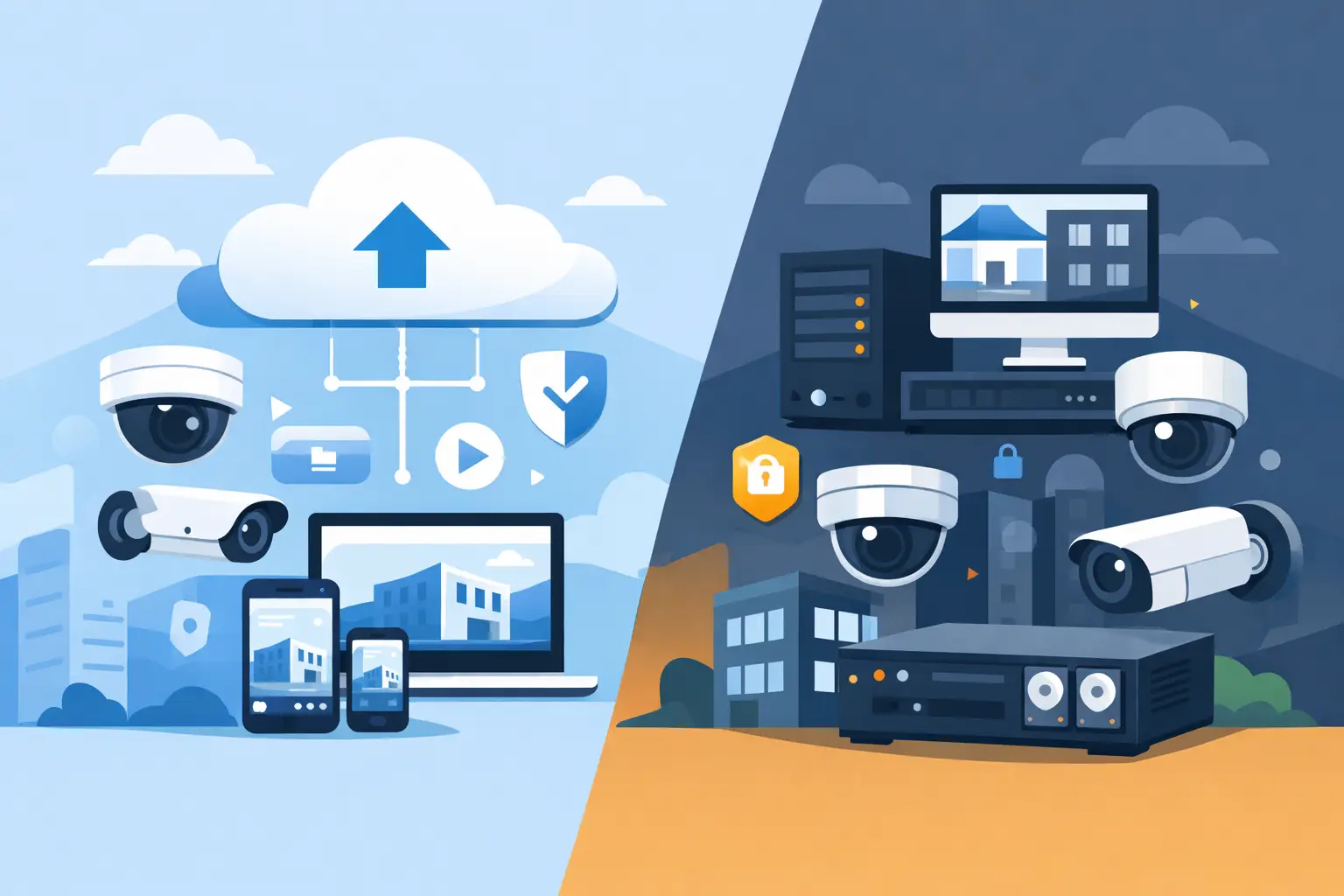
Cloud recording sends video from a camera or recorder over the internet to an off-site data center. Video is stored by the service provider and accessed through a web portal or mobile app. Most cloud camera platforms charge a subscription based on the number of cameras, recording quality, retention period, or all three.
Local recording stores footage at the property. This may be on a network video recorder (NVR), digital video recorder (DVR), server, SD card, or other on-site storage device. For a multi-camera security system, an NVR with properly sized hard drives is often the most reliable local option. It records directly from IP cameras through the local network and does not need the internet to keep recording.
The difference is simple: cloud storage relies on an outside service and an active internet connection, while local storage keeps the primary video archive under your control at the site.
When Cloud Recording Makes Sense
Cloud recording is attractive because it reduces the amount of equipment installed at the property. A homeowner may prefer a few Wi-Fi cameras with cloud storage rather than a dedicated recorder and wiring project. Small offices with limited space or no secure location for an NVR may also see value in this approach.
Remote access is another strength. Authorized users can review footage from a phone or computer without managing a recorder at the building. Many cloud systems also offer automatic software updates, health notifications, user management, and searchable event histories. These features can make daily operation easier for an owner who does not have an IT department.
Off-site storage offers protection if a burglar steals or damages the recorder. If video was successfully uploaded before the incident, it remains available elsewhere. That can be useful for cameras covering entrances, cash areas, driveways, gates, and other high-priority locations.
Cloud recording works best when internet service is dependable, camera count is modest, and the customer is comfortable with an ongoing subscription. It can be a good fit for a residence, a small retail space, or a remote site where simple access matters more than long-term high-resolution retention.
The Limits of Cloud Storage
The biggest concern is upload bandwidth. Modern 4K and ultra high definition cameras create large video files. Sending continuous video from several cameras to the cloud can overwhelm the upload side of a typical internet connection. When bandwidth is limited, cloud systems may lower video quality, record only motion events, or struggle during busy periods.
Subscriptions also add up. A low monthly cost per camera can become significant over several years, especially for a business with 8, 16, or more cameras. Before choosing cloud storage, compare the long-term subscription cost with the installed cost of local recording hardware.
Internet outages are another real-world issue. Some cameras can temporarily store video on an internal SD card during an outage, but not every model has that capability or enough capacity. Without local backup, an internet problem can create a gap in your cloud archive at the exact time you need it.
Why Local Recording Remains the Standard for Many Sites
For commercial properties and facilities with multiple cameras, local recording is often the practical choice. An NVR can record high-resolution footage from many cameras without using the property’s internet upload bandwidth. Cameras communicate with the recorder across the local network, so recording can continue even if the internet provider has an outage.
This is especially valuable for businesses that need clear identification footage. A blurry motion clip may show that someone entered a building, but it may not provide the facial, vehicle, or license plate detail needed after a theft, vandalism incident, or unauthorized access event. Local systems can be designed for continuous recording at higher resolutions and frame rates when the situation calls for it.
Local storage also gives the property owner more control over retention. A properly sized recorder can retain footage for days, weeks, or longer based on the number of cameras, resolution, recording schedule, and hard-drive capacity. For a school, warehouse, office, or commercial property, that flexibility matters. Video may need to be reviewed well after an incident occurs.
There is usually no required monthly storage fee for standard local recording. Remote viewing may still be available through a secure app, but the footage remains on the recorder at the property. That makes ongoing costs more predictable.
Local Recording Requires the Right Design
Local does not mean maintenance-free. The recorder must be installed in a secure location, connected to a reliable power source, and protected with a battery backup when appropriate. Hard drives eventually wear out and should be checked as part of regular service. The network must also be designed correctly so cameras, remote viewing, and other business operations work without unnecessary conflicts.
A recorder placed openly in an office or retail counter area is vulnerable to theft or tampering. A secure closet, locked enclosure, or protected equipment room is a better choice. For higher-risk sites, an off-site backup for key cameras can add another layer of protection.
Local recording also benefits from professional configuration. Recording schedules, motion settings, user permissions, camera naming, date and time settings, and retention calculations all affect whether the system performs when needed. A camera system should be tested as a complete security tool, not just powered on after installation.
A Hybrid System Often Delivers the Best Protection
The choice does not have to be cloud or local. A hybrid design uses local recording as the primary archive and cloud backup for selected cameras, events, or critical clips. This approach keeps high-resolution continuous video on-site while protecting important footage off-site.
For example, a business may locally record all cameras 24/7 but upload motion events from its front entrance, register area, loading dock, or gate. A homeowner may use an NVR for exterior cameras while enabling cloud backup for the front door camera. The result is better resilience without paying to upload every second of video from every camera.
Hybrid systems are particularly useful where theft, vandalism, employee access concerns, or remote property management are factors. They provide local reliability during internet disruptions and an additional copy of essential video if equipment at the site is damaged or removed.
Questions to Ask Before Choosing Storage
Start with what you need the cameras to accomplish. If you only want notifications when someone approaches a front door, cloud event recording may be enough. If you need to investigate incidents across a large parking area, office, school hallway, or warehouse, continuous local recording is usually the better foundation.
Consider how many cameras you expect to have in the next few years, not just today. Also ask how much upload bandwidth is actually available at the property. Many locations have fast download speeds but limited upload capacity, which can restrict cloud performance.
Retention is equally important. A seven-day cloud plan may seem adequate until an issue is reported two weeks later. Determine how long video must be available, who needs permission to view it, and whether there are organizational or legal requirements for protecting recorded footage.
Finally, plan for failure points. What happens if the internet goes down, the power fails, a hard drive reaches the end of its life, or someone damages the recorder? A dependable system accounts for these situations before they become a problem.
The right recording method should support the way your property operates, not force your security plan into a one-size-fits-all package. ATECH SECURITY LLC can help evaluate cameras, network capacity, retention needs, and remote access requirements so your system records the evidence that matters when it matters most.
Comments