
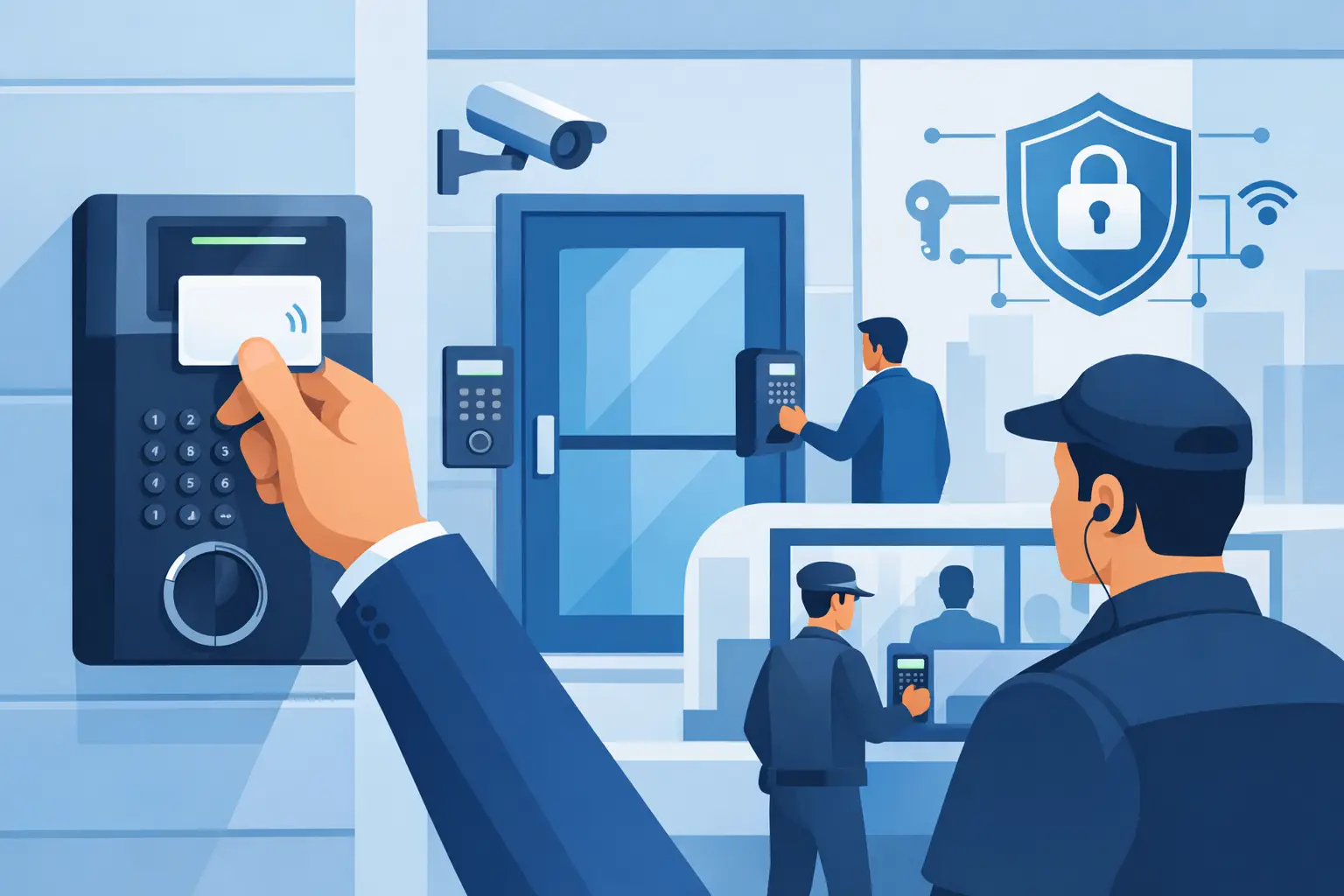

A rear employee entrance propped open during a delivery, a former employee whose key still works, or a door that cannot be opened during a power issue can create a real security and operations problem. This commercial door access guide explains what facility owners and managers should consider before selecting an electronic access control system. The right system protects people, property, and sensitive areas while keeping authorized staff moving without unnecessary delays.
Electronic access control is not one-size-fits-all. A small office with one front door needs something very different from a school, warehouse, medical office, or multi-tenant commercial property. The best approach starts with how your building actually operates, not with a list of features.
Start With the Doors That Create the Most Risk
Not every door needs the same level of control. Begin by identifying entrances used by employees, visitors, vendors, delivery drivers, and cleaning crews. Then look at doors that lead to inventory, server rooms, records storage, cash handling areas, mechanical rooms, or restricted workspaces.
For many small and midsize businesses, the first priorities are the main entry door, employee entrance, rear exit, and any interior door protecting valuable assets or confidential information. A system can expand later, but the initial installation should account for future doors, users, and security needs. Choosing a controller with no room to grow may save money upfront and cost more when the business expands.
Door condition matters as much as the reader mounted beside it. A warped frame, weak latch, damaged closer, or improperly installed panic hardware can prevent an access system from performing as intended. Before installation, a qualified technician should inspect the door, frame, lock hardware, power availability, and path for low-voltage wiring.
Choose Credentials That Fit Your Staff
A credential is what a person presents to gain access. The most common options are key cards, fobs, mobile credentials on a smartphone, PIN codes, and biometric readers. Each has a practical trade-off.
Cards and fobs are familiar, quick to issue, and work well for many offices, schools, and commercial facilities. They can be deactivated immediately if lost or when an employee leaves. Mobile credentials reduce the need to carry a separate badge and can be convenient for organizations with distributed teams. They do, however, depend on employees maintaining compatible phones and following credential-sharing policies.
PIN pads can be useful for occasional visitors or doors where a physical credential is inconvenient. Used alone, a PIN can be shared, guessed, or observed. For higher-risk locations, pairing a card, fob, or mobile credential with a PIN provides stronger verification. Biometric access can add another layer of control, but it requires careful planning around privacy, user acceptance, environmental conditions, and the type of reader being installed.
A standard metal key offers no audit trail and is difficult to control once copied. Electronic credentials give managers a clearer answer to a basic question after an incident: who accessed a door, and when?
Commercial Door Access Guide: Select the Right Lock
The locking hardware should match the door type, life-safety requirements, and intended use. This is not a place for guesswork. Commercial doors may use electric strikes, electromagnetic locks, electrified lever sets, electrified panic hardware, or other specialized hardware.
An electric strike is often a practical choice for a standard swinging door because it works with compatible mechanical latch hardware. It can allow authorized access while preserving a normal-looking door and lever. Magnetic locks are common on certain glass, aluminum, and specialty doors, but they must be installed correctly with required release methods and fire and life-safety considerations.
Electrified panic hardware is often appropriate for exit doors that need both controlled entry and reliable emergency egress. The goal is simple: people must always be able to leave safely during an emergency. Local codes, occupancy type, fire alarm interfaces, and the authority having jurisdiction all affect the final design.
Ask whether a door should be fail safe or fail secure. A fail-safe lock unlocks when power is lost. A fail-secure lock stays locked from the secure side during a power loss while still allowing required free egress. Neither choice is automatically better. The correct option depends on the opening, emergency requirements, and whether protecting the area or maintaining access during an outage is the greater concern.
Plan for Visitors, Deliveries, and Daily Exceptions
A door access system should support normal operations, not force staff to work around it. Think through what happens when a visitor arrives, a package carrier needs entry, an employee forgets a credential, or a contractor needs temporary access after business hours.
For a front entrance, a video intercom or door station can allow staff to see and communicate with visitors before releasing the door remotely. At a warehouse or gated property, access control may work alongside cameras and electronic gate operators to improve visibility at vehicle and pedestrian entry points.
Temporary credentials are preferable to lending an employee badge or leaving a door unlocked for a vendor. Access can be limited to a specific door and schedule, then automatically expire. This approach is particularly useful for cleaning companies, maintenance vendors, and seasonal staff.
Schedules also reduce unnecessary risk. Employees may need access Monday through Friday, while a manager or facilities team may need after-hours access. Rather than relying on a single master key, the system can apply permissions by person, door, and time of day.
Do Not Ignore Power, Networking, and Backup
Modern access control depends on more than readers and locks. It requires stable power, properly sized power supplies, secure wiring, and often a dependable network connection. If remote management, mobile credentials, cloud administration, or camera integration is part of the plan, network design becomes especially important.
A professionally designed system should account for power loss. Battery backup can keep critical doors operating for a defined period, and the access control configuration should respond appropriately when communications are interrupted. The system also needs surge protection and clean, organized installation practices, especially in older buildings where electrical and network infrastructure may be inconsistent.
Remote access is valuable when used carefully. A manager can add or remove users, review activity, or release a door without being on site. That convenience should be protected with strong administrator passwords, limited permissions, and multi-factor authentication when supported. Avoid giving every supervisor full system administrator rights simply because it is easier in the moment.
Use Access Events With Cameras and Alarms
Access logs are most useful when they provide context. Connecting a camera view to a door event can help management verify whether a valid credential was used by the right person, whether someone followed another person through the opening, or whether a door was held open too long.
Door position switches and request-to-exit devices can also improve monitoring. They can identify a door forced open, left ajar, or opened outside its expected schedule. For higher-risk locations, these events can be sent to designated staff or tied into an alarm response plan.
Integration should serve a clear purpose. Not every property needs every feature, and excessive alerts quickly become background noise. Set notifications for events that require action, such as forced doors, after-hours access attempts, or a restricted room opened outside approved hours.
Build a Process for User Management
The technology works only when user management stays current. Assigning credentials without a process creates the same exposure as unmanaged keys. Decide who can approve access, who issues credentials, and who removes them when employment or vendor work ends.
A basic review every few months can catch inactive users, duplicate credentials, and access levels that no longer match job responsibilities. Schools and public-sector facilities may need more formal procedures, while a small business can often manage the process through a designated owner, office manager, or facilities lead.
When selecting an installer, ask about training, service response, documentation, and how the system can be supported after installation. ATECH SECURITY LLC designs access control systems around the building, the people using it, and the support needed after the work is complete.
The best commercial access system is not the one with the longest feature list. It is the one that gives authorized people dependable entry, gives management meaningful control, and gives your facility a clear plan when something does not go as expected.
Comments