
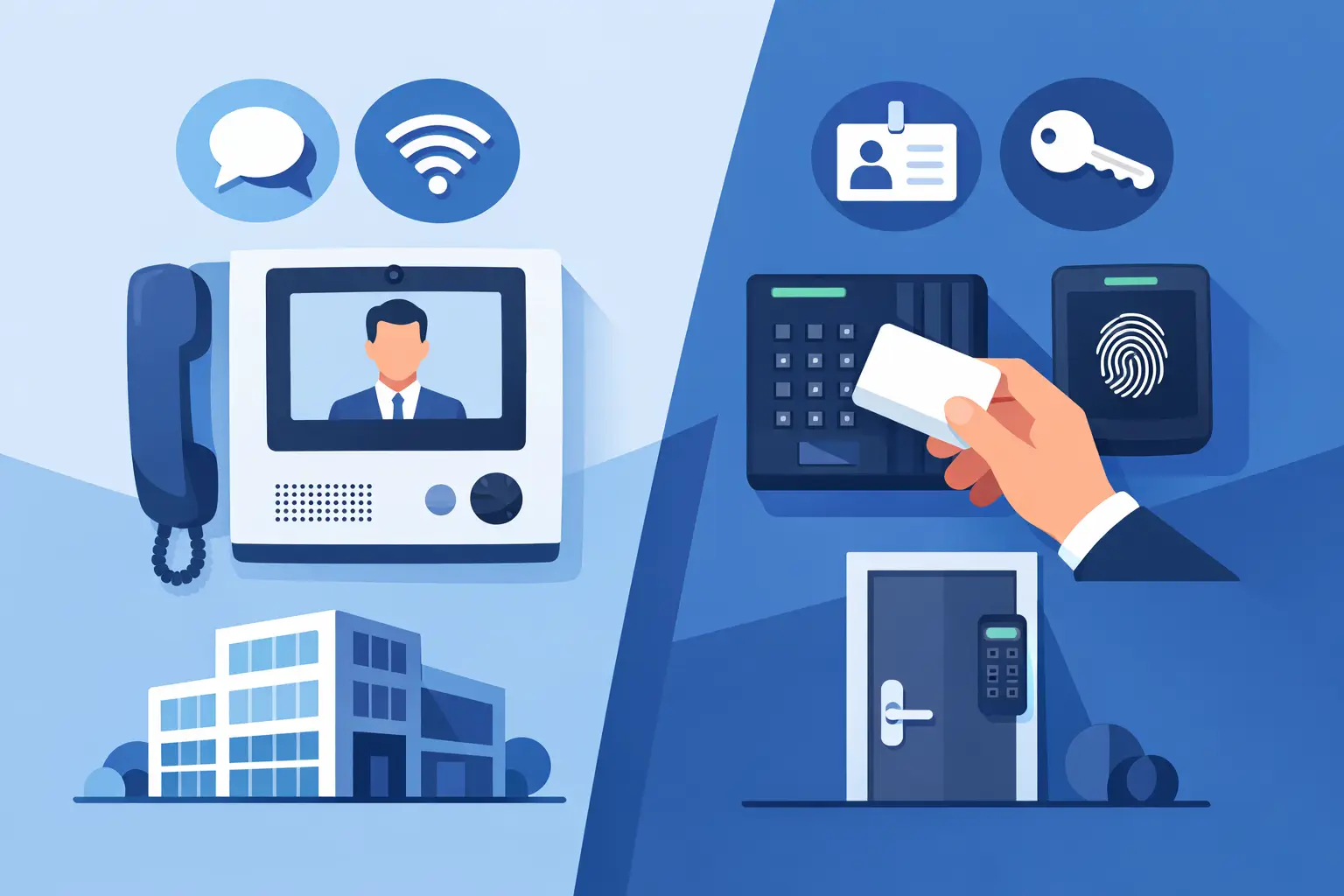

A delivery driver is standing at your gate. A new employee needs to enter before opening time. A parent arrives at a school office door. These are different situations, but they raise the same question: intercom vs access control - which system actually solves the entry problem at your property?
The short answer is that an intercom helps you identify and speak with a visitor, while access control decides who can enter based on credentials and permission rules. Many properties need both. The right choice depends on who comes to the door, how often they need access, and whether someone is available to approve entry.
Intercom vs Access Control: The Core Difference
An intercom is built for communication at an entry point. A visitor presses a button, calls a resident or office, and can be seen or heard before the door or gate is released. Modern video intercoms can send calls to an indoor station, a desk phone, or a smartphone, depending on the system design.
Access control is built for authorized entry. Users present a card, fob, mobile credential, PIN, or biometric identifier. If that credential has permission for that door at that time, the system releases the lock. It can also record who entered, when they entered, and which door they used.
That distinction matters. An intercom answers, “Who is at the door?” Access control answers, “Is this person permitted to enter?” A video doorbell may provide a useful view of a visitor, but it does not replace a managed access system when a business needs credentials, schedules, audit trails, and the ability to remove access quickly.
When an Intercom Is the Better Fit
Intercom systems are often the right starting point for homes, small offices, and gated properties where visitors arrive unpredictably. The person inside needs a quick way to verify a visitor before allowing entry.
For a homeowner, a video intercom at a front door or driveway gate can show who has arrived and allow remote communication. This is especially useful for package deliveries, service calls, and guests when no one is near the entry. A properly installed system can operate a compatible electric strike, magnetic lock, or gate opener after the resident approves the visitor.
For a small business, an intercom works well at a locked front entrance where staff want to speak with customers, vendors, or delivery personnel before buzzing them in. It keeps the door secured without making legitimate visitors feel ignored. A camera at the entrance also gives staff a clearer view than an audio-only call station.
Intercoms have limits. They depend on someone answering the call. If employees are busy, offsite, or unavailable after hours, visitors may be left waiting. An intercom also does not automatically manage a changing roster of employees, contractors, tenants, or students. That is where access control becomes more practical.
When Access Control Is the Better Fit
Access control is designed for properties with regular users who need reliable entry without calling someone each time. It is common at offices, warehouses, multifamily buildings, schools, medical facilities, and public-sector sites.
A card or mobile credential can be assigned to each approved user. Permissions can be limited by door, day, and time. For example, office staff may enter the main door from 7:00 a.m. to 7:00 p.m., while managers may have after-hours access. A contractor can receive temporary access that expires when the job is complete.
This approach is far safer and easier to manage than physical keys. When a key is lost, the property may need to be rekeyed. When a credential is lost, it can usually be disabled and replaced. If an employee leaves, access can be removed without collecting every key or changing every lock.
Access control also helps facility managers investigate problems. Entry activity can show whether a door was accessed at a specific time. Combined with a camera system, that record can help match an entry event to video footage. Records are useful, but they should support daily operations rather than create extra work. The system should be sized and programmed around the people who use the building.
Why Many Properties Need Both
The best answer is often not intercom or access control. It is an integrated entry system with both functions at the doors that need them.
Consider a medical office. Employees can enter with credentials in the morning and throughout the day. Patients, delivery drivers, and visitors use a video intercom at the main entrance. Staff can verify the visitor and release the door from a reception station or authorized mobile device. The office gets controlled employee access without forcing every visitor to have a credential.
The same logic applies to a gated community, apartment building, school administration entrance, or commercial yard. Regular users need fast access. Unknown visitors need verification. At a vehicle gate, a keypad, long-range credential reader, or mobile app may serve approved drivers, while a call box handles guests and deliveries.
Integration should be planned carefully. A gate operator, electric locking hardware, door position switch, request-to-exit device, camera, and network connection all have to work together. A system that looks good on paper can cause daily frustration if the door hardware, power supply, or network design is not matched to the application.
Questions to Ask Before Choosing a System
Start with the daily traffic at each entrance. A front office door has different needs than a rear employee door, a loading dock, or a driveway gate. The following questions help identify the right approach:
- Who needs recurring access: residents, employees, vendors, students, tenants, or visitors?
- Does someone need to verify visitors before releasing the door or gate?
- Should access change by time of day, user role, or location?
- Do you need a record of entry activity after an incident or operational issue?
- Will users need to manage doors remotely from a phone or computer?
- Is the system being added to an existing gate operator, camera system, alarm system, or legacy door hardware?
A single-family home may prioritize a video intercom with remote gate release. A growing business may need credential access at employee doors plus an intercom at reception. A school may require controlled visitor entry, separate staff credentials, and careful coordination with life-safety requirements. There is no one-size-fits-all package that performs equally well in all of these settings.
Installation Details That Affect Reliability
Entry systems are not just readers and call stations mounted on a wall. Reliable operation depends on the low-voltage wiring, power requirements, network connection, lock hardware, and code-compliant exit path.
For network-connected systems, the local network needs enough capacity and stable coverage at each device location. Outdoor gate stations may require long cable runs, surge protection, weather-rated equipment, and a plan for remote troubleshooting. Wireless equipment can be useful where trenching is impractical, but it should be selected based on distance, obstructions, power availability, and the reliability required at that entrance.
Door hardware must also match the door and the security goal. A glass storefront door, wood office door, metal gate, and emergency exit do not use the same locking method. Emergency egress and fire alarm release requirements must be addressed before installation, especially in commercial and institutional buildings. Security should never interfere with people leaving safely during an emergency.
Ongoing support matters after the installation. Credentials need to be added and removed. Door schedules may change. Gates and exterior equipment need periodic service. A local contractor with both security and IP networking experience can diagnose whether a problem is caused by the reader, lock, power, programming, gate operator, or network connection instead of treating each part as a separate issue.
Choose for the Way Your Property Operates
If your main concern is screening visitors, start with an intercom. If your main concern is managing authorized users, start with access control. If you need both visitor verification and dependable entry for regular users, combine them at the entrances where they provide the most value.
ATECH SECURITY LLC can help property owners and facility teams design an entry system around real traffic patterns, existing infrastructure, and future growth. The goal is not to add more technology than you need. It is to make each door and gate easier to manage, harder to misuse, and dependable when your staff or family needs it most.
Before replacing another lock or adding a standalone device, map out who uses each entrance and what should happen when an unfamiliar person arrives. That simple exercise usually makes the right system much clearer.
Comments