
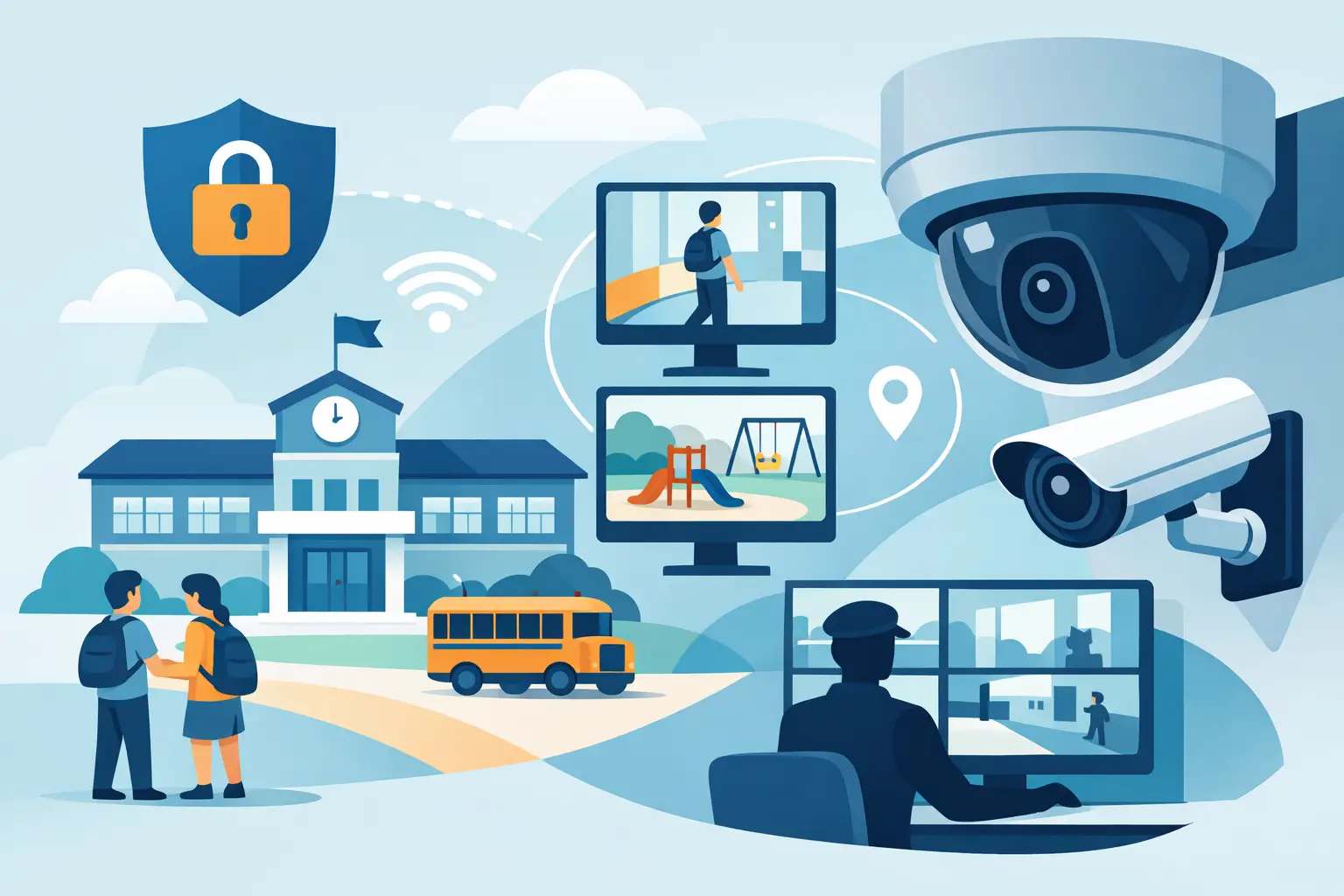

A camera that cannot identify a face at the right doorway, save the footage when it matters, or stay online during a busy school day is not providing real protection. School security camera systems need to support fast decisions by administrators, security staff, and law enforcement while fitting the daily rhythm of students, teachers, visitors, and after-hours activities.
For schools across Southern New Jersey, Philadelphia, and Pennsylvania, the right answer is rarely a box of cameras installed wherever cable is easiest to run. A dependable system starts with a site-specific plan, professional low-voltage installation, and ongoing support when a camera, recorder, network connection, or user account needs attention.
Start With the Risks, Not the Camera Count
Every campus has different vulnerabilities. A small private school may need better coverage at its main entrance, parking lot, and side doors. A larger district building may need cameras across multiple entrances, bus loops, hallways, athletic fields, administrative offices, and exterior perimeters.
The goal is not constant surveillance of every square foot. The goal is useful coverage where incidents are most likely to occur or where a clear video record can answer urgent questions. Entry and exit points, visitor check-in areas, exterior doors, loading areas, parking lots, playground access points, and high-value equipment rooms are often priorities.
Before selecting equipment, walk the property and consider how people actually move through it. Which doors are propped open? Where do buses arrive? Are there blind spots between buildings? Does a visitor have a clear path to the main office, or can they reach other areas first? These details shape a camera plan far more effectively than a generic package.
What Effective School Security Camera Systems Need
A useful school camera system combines image quality, dependable recording, manageable access, and coverage designed for real incidents. One strong camera at a critical entrance can be more valuable than several poorly placed cameras.
Clear identification at key locations
Ultra high-definition cameras can provide important detail, but resolution alone does not guarantee usable footage. Camera height, lighting, lens selection, field of view, and placement all affect whether a person can be identified. A wide-angle camera may show activity across a large lobby, while a dedicated, tighter-view camera at an entrance can capture faces more clearly.
Exterior cameras should be selected and positioned for changing Northeast weather, glare, low light, and nighttime conditions. Parking lots and athletic areas may need different coverage than an indoor hallway. In some locations, added lighting improves results more than simply installing a higher-resolution camera.
Reliable recording and video retention
Footage is only helpful if it is available when an event is reported. Schools should establish a retention period based on their policies, risk profile, storage capacity, and applicable requirements. Many incidents are not reported immediately, particularly when they involve vandalism, theft, or an after-hours concern.
A professionally designed recorder and storage plan helps prevent footage from being overwritten too quickly. It also gives authorized staff a clear way to search by date, time, camera, or event. Schools should verify that recordings are being saved properly, not just assume that a live image on a monitor means the system is working.
Secure remote access for authorized staff
Remote viewing can help administrators and security personnel check a camera from an approved computer or smartphone when they are away from the monitoring station. It can be especially valuable for managing after-hours events, responding to an alarm notification, or checking a gate, exterior door, or parking area.
That convenience must be controlled. User permissions should match job responsibilities, and access should be removed promptly when staff roles change. Strong passwords, secure network configuration, and updated equipment help protect the system from unauthorized access. A camera system connected to the internet without proper configuration can create a problem rather than solve one.
A network built to support the system
Modern IP cameras depend on the school network, but they should not simply be added to an already strained network without planning. Camera traffic, power requirements, switch capacity, cable distances, and remote-access setup all need attention.
This is where low-voltage installation experience and IP networking knowledge make a practical difference. Properly installed network cameras can provide consistent recording and remote access without interfering with classroom technology or other business-critical systems. In some cases, a dedicated security network or properly segmented network is the best approach.
Coverage Should Support School Operations
Security technology works best when it supports the people responsible for the building. Cameras can confirm who entered a door, document a delivery, help locate a vehicle after a parking-lot incident, or give staff a view of an exterior area before responding. They should not create a burdensome process that requires someone to watch dozens of screens all day.
For many schools, the highest-value approach is event-based review. When an alarm, access-control event, complaint, or incident occurs, authorized staff can quickly pull footage from the relevant camera and time period. This requires accurate camera names, synchronized time settings, reliable recording, and staff members who know how to retrieve and export video.
Camera placement can also work alongside card access and smart access control. For example, an exterior door camera can verify activity when an access credential is used. A gate camera can help staff review visitor and vehicle activity. When systems are planned together, they provide a clearer picture of what happened and when.
Privacy, Policy, and Staff Training Matter
Schools have a responsibility to improve safety without treating every area as a surveillance zone. Cameras are generally most appropriate in common areas, entrances, corridors, parking lots, exterior spaces, and other locations where there is a legitimate security need. Areas with an expectation of privacy should not be recorded.
A written camera policy helps set expectations for staff, students, families, and visitors. It should address who may view live video, who may retrieve recordings, how footage is shared, how long it is retained, and how requests are handled. School leadership should also review local rules and district policies before deployment.
Training does not need to be complicated, but it should be deliberate. Designated users need to know how to find video, export it without altering the original, and report system issues. They should also understand that camera access is a security responsibility, not a casual convenience.
Avoid the Common Installation Mistakes
The least expensive camera proposal is not always the lowest-cost solution over time. Poor placement, weak Wi-Fi coverage, insufficient storage, generic passwords, and unsupported equipment can lead to missed footage and expensive corrections later.
A few problems appear repeatedly in school projects:
- Cameras are installed too high or too wide to capture identifying detail.
- The recorder has too little storage for the number of cameras and required retention period.
- Exterior views are affected by sun glare, darkness, trees, or seasonal changes.
- The network was not evaluated for camera bandwidth and power needs.
- There is no plan for service, software updates, user changes, or equipment failures.
Professional installation includes testing the image during the conditions that matter, labeling equipment, documenting camera locations, and confirming that recordings can be retrieved. It also means being available when the system needs service. Schools cannot wait weeks for help after an incident exposes a failed camera or recording issue.
Plan for Growth and Ongoing Service
A school security system should be built for the campus you have now and the needs you can reasonably anticipate. A renovation, new modular classroom, additional parking area, or change in visitor procedures can create new coverage needs. Selecting equipment and infrastructure that can expand can prevent a complete redesign later.
Maintenance is equally important. Cameras may need cleaning, tree growth can block a view, hard drives eventually wear out, and network changes can affect remote access. Periodic checks help identify these issues before a critical event. ATECH SECURITY LLC designs, installs, services, and supports customized camera and low-voltage security systems with the responsive local service schools need.
The right system does more than record video. It gives school leaders clear information when time is limited and safety decisions matter. Start with the areas that create the greatest concern, build the system around how your campus operates, and choose a security partner prepared to support the installation long after the cameras are mounted.
Comments