
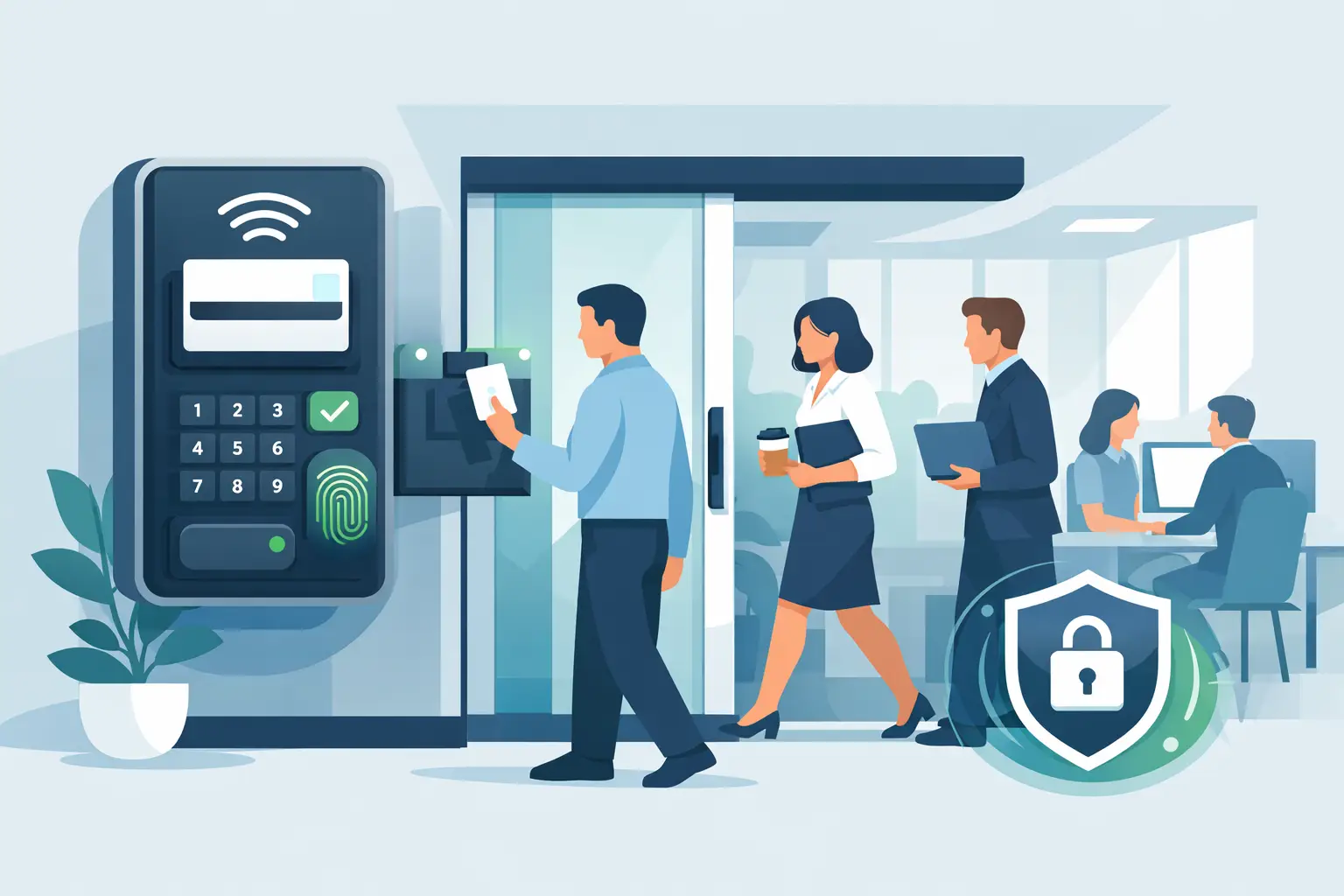

The front door is where most office security decisions either work or fail. Learning how to secure office entry is not about making employees feel locked down. It is about making sure the right people can enter quickly, visitors are accounted for, and unauthorized access is stopped before it becomes a theft, safety, or liability issue.
For a small office, medical practice, warehouse, school office, or multi-tenant commercial property, the best solution is usually a layered system. A strong door and dependable lock matter, but electronic access control, cameras, visitor procedures, and responsive service turn a basic entrance into a manageable security point.
Start With the Entry Risks You Actually Have
Every office has different traffic patterns. A professional office may have employees arriving between 8:00 and 9:00 a.m., scheduled clients throughout the day, and a largely empty building after 6:00 p.m. A warehouse may have delivery drivers, vendors, shift changes, and several perimeter doors. Applying the same equipment and rules to both locations can create gaps or frustrate the people who use the building every day.
Walk through the entrance as an employee, a visitor, and an unauthorized person would. Look at where people park, whether the doorway is visible from the street, how packages are delivered, and whether someone can follow an employee through a locked door. Also consider doors that are often overlooked, including rear entrances, shared building doors, side doors near loading areas, and doors connecting office space to storage areas.
Your assessment should answer a few practical questions: Who needs access? At what times? Which doors should remain locked? Who is responsible for letting in visitors? And what happens if an employee loses a credential or leaves the company?
Use Access Control Instead of Shared Keys
Mechanical keys are simple, but they are difficult to manage once an office has multiple employees, vendors, cleaners, and former staff members. A key can be copied without authorization, and there is no record of who entered or when. If a key is lost, rekeying several doors can be costly and disruptive.
Card, fob, mobile, and keypad access systems give management more control. Each authorized person receives a credential that can be added, changed, or removed without replacing locks. Entry events can be reviewed when questions arise, and access can be limited by time, door, or role.
For example, office staff may have access through the main entrance during business hours, while managers have 24/7 access and a cleaning crew can enter only during approved evening hours. A contractor can receive temporary access that expires automatically after a project is complete.
The right credential depends on the office. Key fobs are familiar and affordable. Cards work well for larger employee groups and can be paired with identification badges. Mobile credentials are convenient for teams that prefer phone-based access, although they depend on users keeping phones charged and properly configured. Keypads can work at low-traffic doors, but shared PINs should be avoided whenever possible because they are easily passed from one person to another.
Do Not Forget the Door Hardware
Electronic access control is only as good as the door, frame, closer, and locking hardware it controls. A warped frame, weak strike plate, failing door closer, or door that does not latch consistently can defeat an otherwise well-designed system.
An entry door should close and latch on its own. The locking method must be appropriate for the door type and local life-safety requirements. Fire-rated doors, emergency exits, and doors used for public occupancy need special attention. People must always be able to exit safely without needing a credential.
This is why office entry security should be designed as a complete installation, not as a reader added to an unreliable door. A trained security contractor can coordinate the access hardware, low-voltage wiring, power supply, network connection, and life-safety requirements before the system goes live.
Add Cameras Where They Provide Useful Evidence
A camera at the main entrance does more than record someone walking up to the door. It helps verify visitor activity, identify tailgating, document deliveries, and investigate incidents after hours. For many offices, one camera covering the exterior approach and another covering the interior side of the entry create a clear record of who arrived, who entered, and whether the door was held open.
Camera placement matters more than camera quantity. A camera should capture faces at a usable angle, not just the top of heads or a distant silhouette. Exterior cameras need adequate lighting and weather-appropriate installation. Interior cameras should be positioned to cover the entrance without unnecessarily recording private work areas.
Ultra high definition cameras can provide valuable detail, especially at entrances, parking areas, and loading zones. However, higher resolution also requires proper storage planning and network capacity. An installer should confirm that the existing network, recording system, and internet connection can support remote viewing without slowing down essential business operations.
Remote access is useful when it is properly secured. Owners and managers can review live or recorded video from a smartphone or computer, but accounts should use strong unique passwords and multi-factor authentication when available. Avoid giving every employee administrative access to cameras or access-control settings.
Control Visitors Without Creating a Bottleneck
A locked office entry is only effective if visitors have a clear way to request access. A video intercom, door station, reception desk, or monitored call box can allow staff to verify a visitor before releasing the door. This is particularly helpful for offices where the reception area is not directly visible from the entrance.
For businesses with frequent guests, vendors, or applicants, create a simple visitor process. Visitors should know where to check in, who they are meeting, and whether they need to wear a badge. Delivery drivers may need a separate procedure so employees are not repeatedly opening a secured door for unattended packages.
Tailgating deserves direct attention. It happens when an unauthorized person follows an authorized employee through a controlled door. No system can completely eliminate it, but clear expectations help. Employees should avoid holding secure doors open for unfamiliar people and should direct visitors to the designated entry point. In higher-risk settings, a second secured interior door or reception vestibule may be appropriate.
Plan for Emergencies and Power Failures
Office entry security cannot interfere with safe evacuation. Emergency exit doors must operate according to code, and employees should understand how access systems behave during an alarm, power loss, or network outage.
The choice between fail-safe and fail-secure locking depends on the door’s purpose and applicable requirements. A fail-safe lock unlocks when power is lost, while a fail-secure lock remains locked from the outside but still permits safe egress from inside. There is no one-size-fits-all choice. The correct setup depends on building use, door location, fire alarm integration, and local code requirements.
Backup power can keep access control panels, locks, cameras, and network equipment operating during short outages. It is also wise to establish a manual procedure for extended outages. Decide who has authority to override a door, where emergency keys are secured if they are used, and how staff will communicate if a system is unavailable.
Keep Credentials and Permissions Current
The strongest access system becomes weak when old credentials remain active. Make access review part of your normal business process, not something done only after an incident.
When an employee leaves, deactivate their credential immediately. When roles change, update door permissions. Review access for vendors, temporary staff, property managers, and cleaning crews on a scheduled basis. If your office has many employees, assigning one manager or administrator to own this process prevents responsibility from getting lost between HR, operations, and IT.
It also helps to document who can approve access changes. A receptionist may be able to issue a temporary visitor credential, while only a manager can grant after-hours access or administrative control of the system.
How to Secure Office Entry With a Connected System
The most effective office entrances connect several functions without making them complicated to use. Access control tells you which credential opened the door. Video shows what was happening at the entrance. An alarm system can protect the space after hours. Remote management lets authorized decision-makers respond without being on site.
Integration should be useful, not excessive. A small office may only need one controlled entry, two cameras, and remote credential management. A larger facility may need multiple doors, schedules by department, video intercoms, gate control, and alarm integration. The right scope depends on risk, foot traffic, building layout, and how much daily oversight the customer wants.
Professional installation is especially valuable when a security system shares the business network. Access panels, IP cameras, recorders, and remote apps should be configured with security and reliability in mind. Poor wiring, weak network settings, or unsupported equipment can lead to missed recordings, unreliable door operation, and costly troubleshooting later.
Test the System and Service It Regularly
Do not assume an office entry system is working because the reader lights up. Test doors, locks, request-to-exit devices, intercoms, cameras, recording playback, notifications, and backup power on a regular schedule. Confirm that doors latch properly and that camera views have not been blocked by signs, landscaping, or changing office furniture.
Service support matters when a reader stops working before business hours or a door begins to fail after a storm. ATECH SECURITY LLC designs and supports customized electronic security systems with the local, hands-on response that offices in Southern New Jersey and the Philadelphia area need.
A secured entry should make employees feel prepared, not inconvenienced. When the system fits the way your office actually operates, your team can get to work while the door does its job quietly in the background.
Comments