
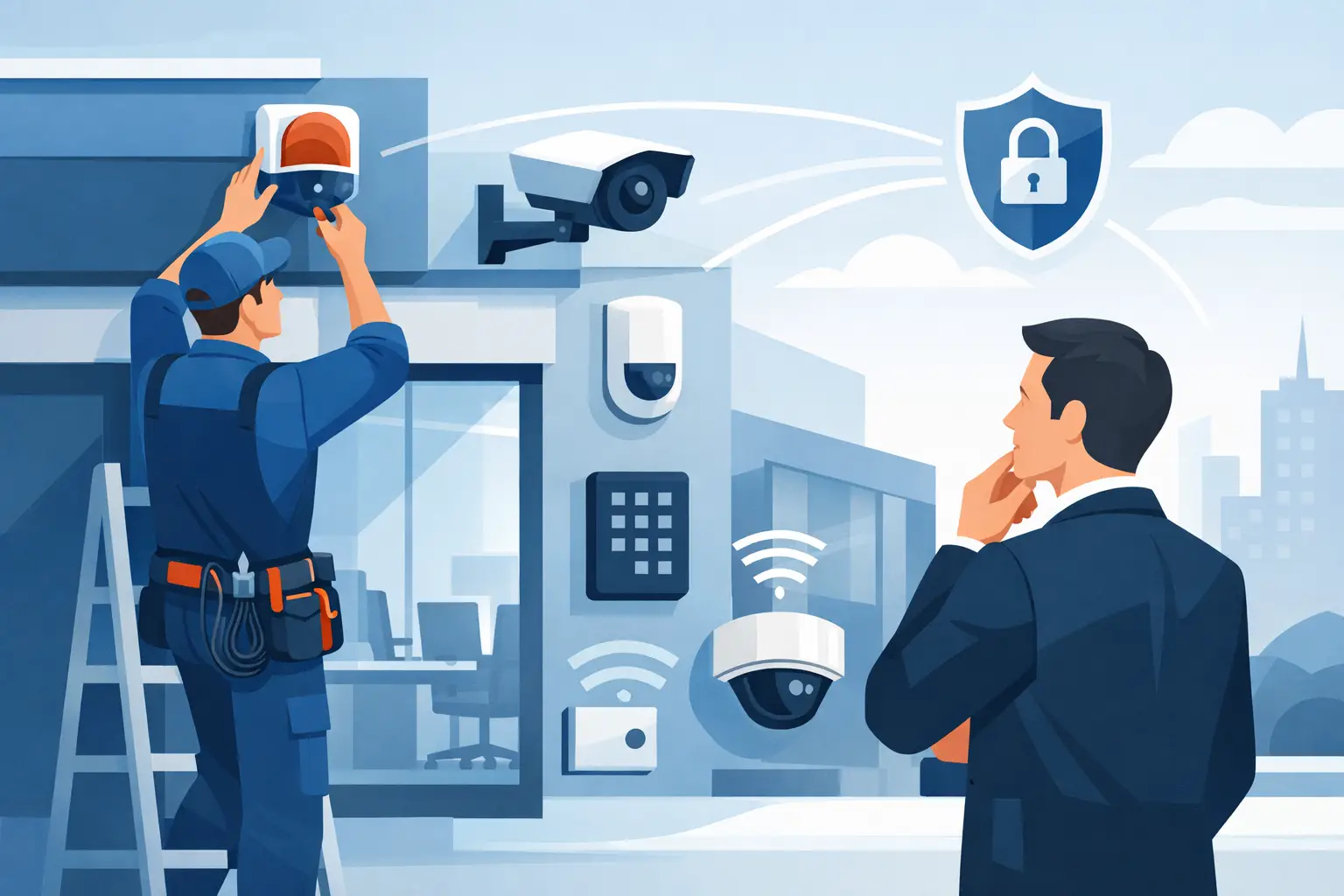

A back door left unsecured, an employee entering after hours, or a forced opening at a storage area can become a costly problem quickly. Business alarm installation gives property owners and managers a practical way to detect threats early, alert the right people, and maintain better control of the building when no one is on-site.
The right system is not simply a control panel and a few sensors. It should match how your facility operates, where people enter, what assets need protection, and how your staff needs to respond. For businesses in Southern New Jersey and the Philadelphia area, local installation and responsive service matter just as much as the equipment itself.
Business Alarm Installation Starts With Site Reality
Every property has different security exposures. A small office may need coverage for its front entrance, rear door, and a room containing computers or records. A warehouse may need perimeter protection, overhead door contacts, motion detection in loading areas, and alarms that remain reliable in a large, active environment.
Before equipment is selected, an experienced installer should look at the actual site. That includes doors, windows, loading docks, access points, vulnerable storage areas, existing wiring, network availability, and daily traffic patterns. This process helps avoid two common mistakes: leaving key areas unprotected or adding devices that create unnecessary false alarms.
False alarms are more than an inconvenience. They interrupt staff, can lead to fines in some municipalities, and may cause employees to take real alerts less seriously. Proper device placement, quality hardware, and careful programming help reduce those problems without leaving the building exposed.
A system should also account for how your business changes. If you expect to add staff, expand into another suite, install access control, or add cameras later, planning for that capability at the start can save time and labor down the road.
What a Professional Alarm System Should Cover
A commercial alarm system usually combines several layers of protection. The exact design depends on the risk, the building, and the way the business operates, but most effective systems address intrusion detection, entry control, notification, and user management.
Perimeter devices are often the first line of defense. Door contacts can report when an exterior door is opened, while window contacts protect accessible windows. Glass-break detectors may be appropriate where large storefront windows or glass entry doors create an added risk.
Interior motion detectors provide another level of coverage after a person enters the building. They are especially useful in hallways, office areas, equipment rooms, inventory areas, and spaces with limited access. A properly designed system considers pets, HVAC airflow, shelving, and other conditions that can affect detector performance.
Panic buttons and hold-up devices can be valuable for reception desks, retail counters, schools, medical offices, and locations where staff may need to call for help quickly. These devices should be placed where authorized staff can reach them without drawing attention.
A complete design may include:
- Door and window contacts for exterior openings and sensitive interior doors
- Motion detection for offices, corridors, stockrooms, and other protected areas
- Glass-break detection for vulnerable glass entry points
- Panic devices for staff safety in high-risk or public-facing locations
- Cellular or network communication paths for alarm reporting
The goal is not to put a device in every corner. It is to create dependable coverage at the points where intrusion is most likely and where loss would be most damaging.
Wired, Wireless, or a Combination?
The best alarm installation method depends on the building. Wired devices are often a strong choice during new construction, renovations, or projects where cable pathways are accessible. They can provide long-term reliability and eliminate the need to replace batteries in individual sensors.
Wireless devices can be an excellent fit for finished offices, leased spaces, historic buildings, and locations where running cable would be disruptive or expensive. Modern wireless alarm equipment is reliable when it is professionally installed, tested, and maintained. Batteries still require attention, so the service plan and system notifications should make that responsibility clear.
Many commercial projects use both. A wired control panel and key wired devices may be combined with wireless sensors in areas where cabling is impractical. The right choice comes down to the building layout, budget, timeline, and future plans, not a one-size-fits-all preference.
Alarm Monitoring and Remote Control
An alarm system must do more than make noise on-site. When an event occurs after business hours, the system needs a dependable path to send an alert. Depending on the design, communication may use cellular, internet-based reporting, or multiple paths for added protection.
Professional monitoring can notify the appropriate response contacts when an alarm event is received. This is especially useful for businesses that cannot rely on an owner or manager to watch a phone at all hours. Your alarm provider should explain how notifications are handled, who should be listed as contacts, and what happens if the first person cannot be reached.
Remote control is another practical feature. Authorized users may be able to arm or disarm the system, review activity, and receive alerts from a smartphone or computer. This is useful for owners managing multiple locations, managers arriving early, and facilities with changing schedules.
Remote capability should be set up carefully. Each user should have an individual code or credential rather than sharing one code across the company. When an employee leaves, their access can be removed without changing the system for everyone else. That creates a clearer activity record and better accountability.
Integrating Alarms With Cameras and Access Control
An alarm system is stronger when it works alongside other security tools. Cameras can provide visual verification when an alarm event occurs. Instead of receiving only a notification that a door opened, an authorized user may be able to review the associated camera view and understand what is happening.
Access control adds another layer by managing who can enter restricted areas and when. For example, an employee may use a card, fob, mobile credential, or keypad to enter during approved hours. The system can record that access event, while the alarm system protects the building when it is closed.
Integration should be planned, not assumed. Older camera systems, legacy alarm panels, and poorly configured networks can limit what is possible. A technician with low-voltage installation and IP networking experience can evaluate the existing equipment and recommend a practical path forward, whether that means upgrading specific components or installing a new system.
The Installation Is Only the Beginning
A business alarm system is not finished when the installer leaves. It should be tested thoroughly, labeled clearly, and explained to the people who will use it. Managers need to know how to arm and disarm the system, respond to trouble conditions, add or remove users, and contact support when something does not look right.
Regular service also matters. Batteries wear down, door alignment changes, construction affects wiring, and business hours evolve. A system that worked well three years ago may need adjustments after a tenant build-out, a new loading door, or a change in staffing.
Prompt local support is especially valuable when a door contact is failing, a panel is showing a trouble condition, or an employee needs help using the system. Security equipment is only useful when it is operating correctly and the people responsible for it know what to do.
Choosing the Right Security Contractor
When comparing providers, ask about the site assessment, installation approach, system communication method, user training, and ongoing service. Price matters, but the lowest quote can become expensive if it omits needed devices, uses unsuitable equipment, or leaves you without support after installation.
Look for a contractor that can explain the design in plain language and is comfortable working with both security hardware and business networks. The system should fit your property, daily operation, and budget without creating unnecessary complexity.
ATECH SECURITY LLC designs and supports customized alarm, camera, access control, and gate security solutions for commercial properties throughout the region. A clear site evaluation is the best place to start - it turns general concerns about theft, access, and after-hours activity into a security plan your team can use with confidence.
Comments