
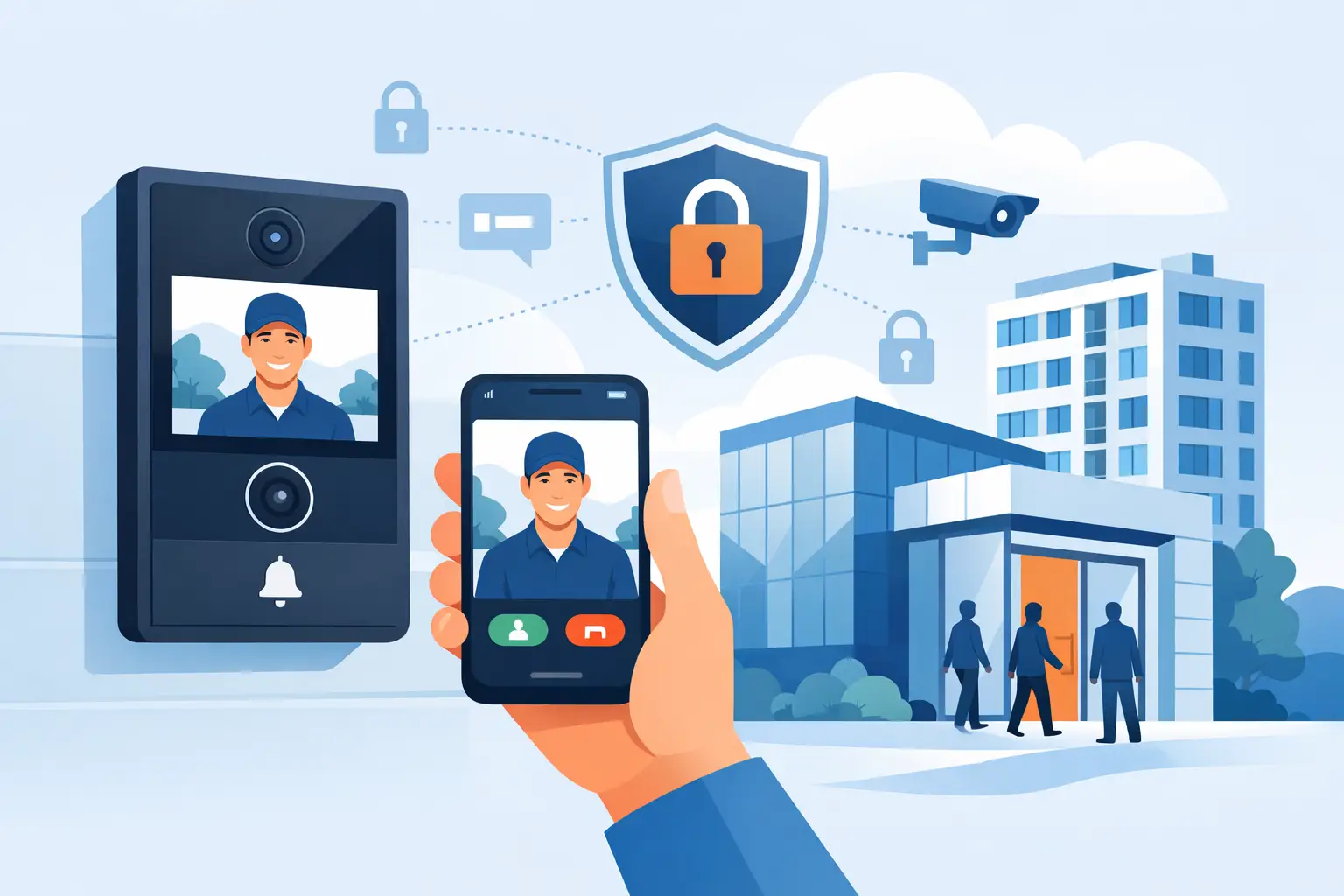

A delivery driver arrives after hours. A parent needs access to a school entrance. An employee forgets a key card at a side door. These are routine moments, but they are also the moments when a property needs a clear, reliable way to verify who is requesting entry. Video door access systems give property owners and facility teams that visibility before a door, gate, or secured entrance is opened.
For homes, offices, multifamily properties, schools, and municipal facilities, the right system does more than show a face at the door. It creates a controlled entry point that can be managed from an indoor station, front desk, smartphone, or designated remote location. The result is better awareness, faster decisions, and fewer situations where someone has to open a door without knowing who is outside.
What a Video Door Access System Does
A video door access system combines a door station with a camera, microphone, speaker, and method for releasing a compatible electric lock, strike, magnetic lock, gate operator, or other controlled entry device. When a visitor presses the call button, the system sends video and audio to the person responsible for granting access.
That person can see the visitor, speak with them, and decide whether to release the door. Depending on the design, the call may go to a wall-mounted monitor, a receptionist station, a mobile device, or more than one location. Some systems can also record events or integrate with existing camera coverage, card access control, alarms, and gate systems.
The basic purpose is simple: verify first, then grant access. The installation details are where the system becomes either dependable or frustrating. Camera angle, lighting, door hardware, network performance, power requirements, visitor traffic, and emergency egress all need to be considered before equipment is selected.
Where Video Door Access Systems Make the Biggest Difference
At a residence, a video door station can help homeowners see and speak with visitors from inside the home or while away. This is useful for deliveries, service appointments, children arriving home, and unexpected visitors. A professionally installed solution can also support a driveway gate or pedestrian gate, giving the homeowner one more layer of control at the perimeter.
For a small business, the front entrance may be locked throughout the day to reduce walk-in theft, protect employees, or keep inventory areas secure. Staff can still receive customers, vendors, and delivery personnel without leaving the door unsecured. A video door station at a rear employee entrance can also reduce the habit of propping doors open or allowing unverified visitors into a work area.
Schools and public-facing facilities have more complicated needs. They often need visitors directed to one monitored entrance while other exterior doors remain secured. A video door access system allows office staff to identify a visitor, communicate with them, and release the appropriate door without abandoning the front desk. It can support daily visitor procedures without creating unnecessary delays during busy arrival times.
Multifamily and mixed-use properties benefit when tenants or property managers can confirm visitors before granting entry. The right system depends on the number of units, the building layout, whether tenants need mobile calling, and whether the property has an existing controlled-access system. A single-family video doorbell and a multi-tenant building intercom solve different problems, even though both use video and two-way audio.
Choosing the Right System Starts With the Entrance
The first question is not which brand or app looks best. It is what the entrance needs to accomplish. A busy commercial lobby, a school vestibule, a private residence, and a warehouse loading door each require a different approach.
Start by considering who will answer calls and where they will be when a visitor arrives. If a receptionist is always present, a dedicated indoor monitor may be the most practical choice. If managers regularly move between locations, mobile access may be necessary. If several people need authority to release a door, the system should clearly define who receives calls and prevent missed or conflicting responses.
The entry hardware matters just as much. A door cannot be released electronically unless it has compatible locking hardware and proper power. In some cases, an electric strike is a practical option. In others, a magnetic lock, electrified panic hardware, or an upgraded door and frame may be required. Exterior gates introduce additional considerations, including operator controls, vehicle safety devices, weather exposure, and stable wireless or wired communication.
Networked systems provide flexibility, but they also depend on a healthy network. Poor cable runs, weak Wi-Fi, limited internet bandwidth, improper power-over-Ethernet configuration, and outdated switches can affect call quality and remote operation. This is why security installation and IP networking experience should go together. A camera at the door is only helpful if the person answering it receives a clear, timely call.
Features Worth Evaluating
Not every property needs every available feature. Focus on the functions that improve daily operations and reduce risk. For most installations, the following deserve attention:
- Clear high-definition video that captures faces at the proper angle, including in low light or bright backlight.
- Two-way audio that is understandable on both sides of the door, even near traffic, machinery, or wind.
- Mobile calling and remote release controls with secure user permissions, rather than shared passwords.
- Integration with card access, cameras, alarms, gates, or a front-desk process when those systems already serve the property.
- Event records or recorded video when the property needs a way to review visitor activity after the fact.
A feature is only valuable if it is usable. For example, mobile access is convenient for a business owner, but it may not be the best primary workflow for a high-traffic entrance where a receptionist needs a dedicated station. Recording may be useful for a loading door, while a private office door may only need live verification. The best design matches the real use of the opening.
Installation Details That Affect Reliability
A video door station is exposed to the real world: rain, heat, cold, direct sun, dust, impact, and people who may not stand where the camera expects them to. Equipment should be rated for its location and mounted at a height that gives a useful view of visitors, including people in wheelchairs and delivery personnel carrying packages.
Wiring should be planned for serviceability, not simply hidden as quickly as possible. Properly labeled cabling, protected exterior connections, suitable power supplies, and accessible control equipment make future troubleshooting much faster. This matters when a door must remain secure and available every business day.
Door release wiring must also support safe exit. Security is not a reason to create an unsafe or noncompliant egress path. The exact requirements depend on the door, occupancy, local codes, fire alarm interfaces, and locking method. A professional installer should evaluate these details before installing a lock or release device, not after the system is already in place.
Remote access needs careful setup as well. Giving every employee the ability to open a door from a phone may be convenient, but it can create unnecessary risk. User permissions should follow job responsibilities. Former employees, contractors, and temporary users should be removed promptly. For sites with regular staff turnover, a managed access control platform is often a better fit than relying on a single shared application login.
Video Door Access Systems Work Best With a Clear Entry Plan
Technology cannot replace a basic visitor procedure. Staff should know which entrance visitors should use, who is authorized to release a door, and what to do when they cannot verify someone. A short, consistent process is often more effective than a complicated system that nobody follows.
For a business, that may mean keeping the public entrance locked and directing all deliveries to a specific receiving door. For a school, it may mean requiring visitors to use one main entrance and present identification after they are admitted into a controlled vestibule. For a homeowner, it may mean using video verification before remotely opening a gate for an expected contractor.
It is also wise to plan for power and internet outages. Some systems can continue local operation when internet service is down, while mobile notifications may not work until connectivity returns. Battery backup, local indoor stations, manual key access, and properly selected locking hardware can all affect what happens during an outage. There is no one answer for every site, but there should be an answer before an emergency occurs.
Professional Design Protects the Investment
A low-cost device may be adequate for a simple residential door, but larger or higher-risk properties usually need more than a consumer app and a basic doorbell camera. They need properly selected hardware, reliable cabling, compatible door releases, secure network configuration, and support when a problem affects daily operations.
ATECH SECURITY LLC designs and installs video door access solutions around the property, the people using it, and the security systems already in place. That may include a single protected entrance, a remotely operated gate, or a coordinated system with cameras and card access control. The goal is practical protection that staff and property owners can use confidently.
The right entry system should make it easier to answer the door safely, not harder to run the property. Start with the entrances that create the most uncertainty, define who needs control, and build a solution that will still work when the day gets busy.
Comments