
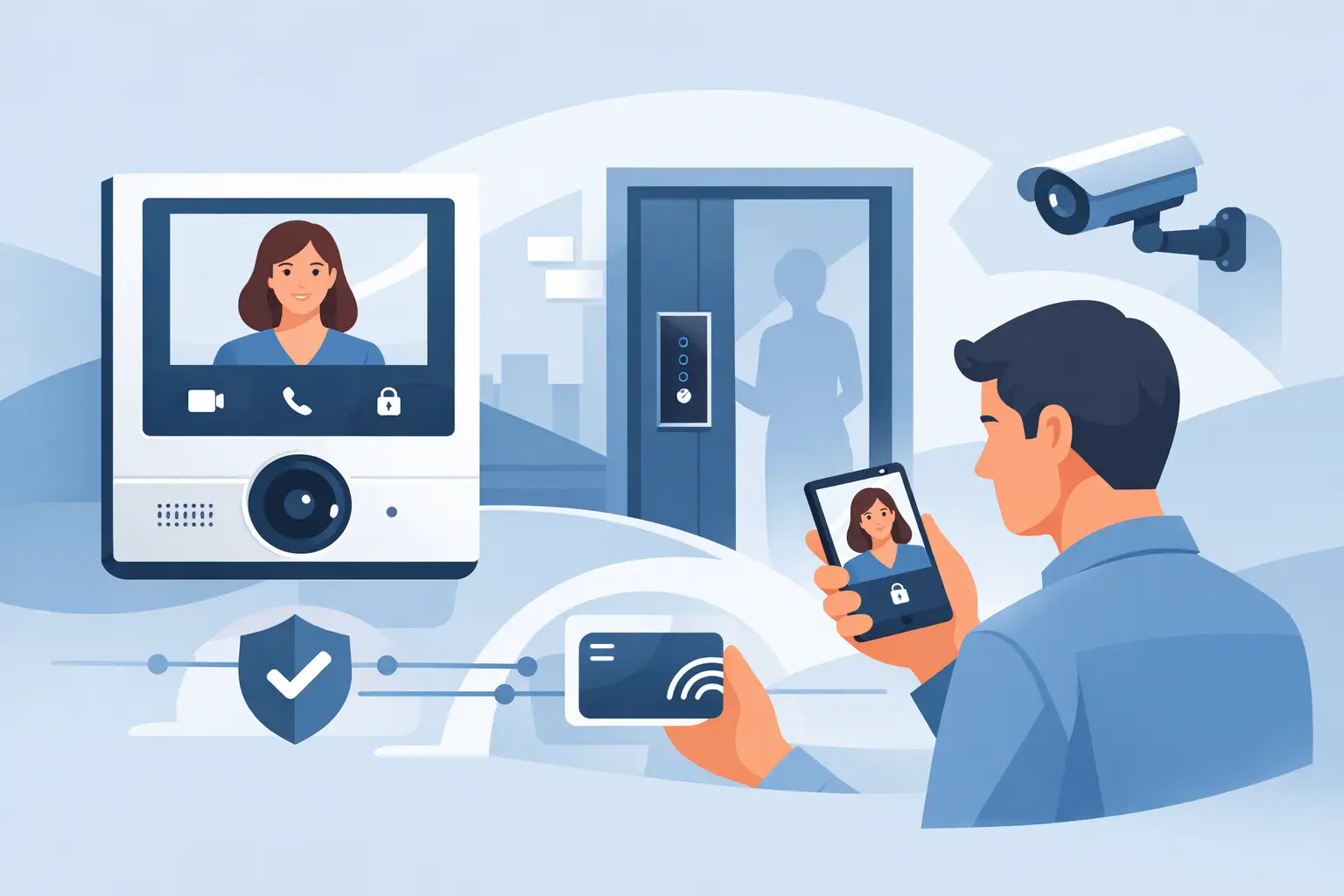

A delivery driver is at the gate. A parent arrives at a school entrance. A contractor needs access to a rear door after hours. In each case, video intercom systems give the property owner or staff a clear way to see who is there, speak with them, and decide whether to grant access before a door or gate opens.
For homes, businesses, schools, and public facilities, this is more than a convenience feature. A properly designed intercom system creates a controlled entry point, reduces unnecessary walk-ups to the property, and provides a practical layer of protection where people enter every day.
What Video Intercom Systems Do
A video intercom combines a camera, microphone, speaker, call button, and access-control connection at an entry point. When a visitor presses the button, the system sends live video and two-way audio to an indoor monitor, a desk station, a smartphone app, or more than one of these devices.
The person receiving the call can verify the visitor and communicate before releasing a locked door, opening an electric strike, triggering a magnetic lock, or activating a gate operator. Depending on the system design, authorized users may also enter with a keypad code, proximity card, key fob, mobile credential, or traditional key.
The value is straightforward: occupants do not have to guess who is outside. Staff do not have to leave a reception area to check a side entrance. Homeowners can answer an entry call while away from the house. The right system supports normal daily traffic while making unauthorized access harder.
Where a Video Intercom Makes the Biggest Difference
A video intercom is useful anywhere an entry point needs more control. At a residence, it can be installed at a front door, driveway gate, pedestrian gate, or detached garage. A homeowner can speak with guests, accept deliveries more confidently, and avoid opening the door for an unknown visitor.
For a small business, the most common use is a locked front entrance, employee entrance, warehouse door, or vehicle gate. Staff can confirm a visitor before allowing access, while employees can use separate credentials for routine entry. This is especially useful for offices, medical practices, service businesses, storage facilities, and locations where the front door should not remain unlocked.
Schools and public-sector facilities often need a more structured approach. The intercom may call a main office, security desk, or several approved stations. Door release can be restricted to designated personnel, and the system can work with existing access control policies. The goal is not simply to answer a call quickly. It is to make sure entry decisions are consistent and visible.
Choosing the Right Type of System
Not every property needs the same equipment. The best choice depends on the number of entrances, how visitors are handled, whether remote answering is required, and the existing wiring and network environment.
Single-Family Homes and Small Offices
A single-door video intercom may be all that is needed for a home or small office. These systems typically include one outdoor door station and one or more indoor monitors or mobile app users. The outdoor station should be weather-rated, have a camera angle that captures faces clearly, and offer dependable audio at the door or gate.
Remote app access is valuable, but it should not be the only consideration. A physical indoor monitor can be easier for family members, office staff, or anyone who does not want to rely on a smartphone notification. In areas with inconsistent cellular service, a hardwired local station also provides an added level of reliability.
Multi-Entrance Commercial Properties
A commercial building may need several door stations connected to a central reception area, tenant locations, or multiple departments. In this case, the intercom should be planned alongside the access control system, door hardware, and network infrastructure.
For example, a visitor at the main entrance may call reception, while a vendor at the loading area calls warehouse staff. Each door can have different release permissions and schedules. This prevents a single entry device from becoming a weak point for the entire property.
Gated Drives and Perimeter Entrances
Gate intercom installations require attention to distance, power, gate operator compatibility, and the location of the calling station. A camera that works well at a front door may not be appropriate for a gate positioned far from the building or exposed to direct weather and vehicle traffic.
The gate should only open after the intercom and operator are properly connected and tested. Safety devices such as photo eyes, vehicle loops, and gate edge sensors remain essential. An intercom controls authorization. It does not replace the safety equipment required for a functioning automated gate.
Features That Matter in Daily Use
It is easy to focus on camera resolution alone, but a useful intercom depends on the complete system. Clear two-way audio is just as important as a sharp image. If staff cannot understand a visitor because of traffic noise, wind, or a poorly placed speaker, the system will create frustration instead of improving security.
Night visibility matters as well. Entry points are often used early in the morning, after business hours, and during winter months when it gets dark earlier. The camera should produce a usable image under the actual lighting conditions at the entrance. In some locations, a dedicated light is a better answer than relying only on infrared night vision.
Mobile access is another important feature for many owners. It allows a homeowner to answer a gate call while away or a manager to verify a delivery after hours. However, remote access requires a stable internet connection and secure network configuration. Password protection, user permissions, firmware updates, and properly configured remote access should be part of the installation plan.
Recording capability can also be helpful, particularly for commercial sites. Some systems store snapshots or video clips of calls and entries. Others can integrate with a separate CCTV system that records the entry area continuously. The right choice depends on whether the property needs simple visitor verification or documented video evidence for security incidents.
Installation Details That Should Not Be Overlooked
A professional installation starts with the entry process, not with a box of equipment. Before selecting a system, it helps to identify who uses each entrance, who answers visitor calls, what happens when no one responds, and what type of lock or gate operator is already in place.
Door hardware is a major factor. A video intercom can send a release command, but the door must have compatible electronic locking hardware and reliable power. Exterior doors, glass storefronts, aluminum frames, panic hardware, and fire-rated openings can all require different solutions. An incorrect lock selection can affect both security and code compliance.
Network planning is equally important for IP-based systems. The intercom may need a wired network connection, power over Ethernet, dedicated power, or a wireless bridge for difficult locations. Wireless can be useful where trenching or new cable is not practical, but it depends on signal quality and should be tested at the actual mounting location.
The outdoor station should be mounted at a height and angle that captures a visitor's face rather than just the top of a hat or the sky behind them. Gates may require a pedestal mount for drivers, while pedestrian entrances usually need a wall-mounted station. Good placement improves identification and makes the system easier to use for visitors of different heights.
Integrating Intercoms With Existing Security
Video intercoms work best when they support the rest of the security plan. At many properties, the entry station can be paired with card access for employees, CCTV coverage of the approach and parking area, alarms on secured doors, and gate control for vehicles.
This combination gives staff more context. The intercom camera shows the person at the door, while a wider security camera can show whether another person is standing outside the frame or whether a vehicle is waiting at the gate. Access control records can show when a credential was used, and the alarm system can alert the appropriate contacts if a protected door is forced open.
Integration should be practical, not complicated for its own sake. A home may only need a front-door station, driveway gate release, and smartphone access. A school may need multiple monitored entrances, scheduled door operation, credential access for staff, and video coverage that supports incident review. The design should match the real risks and daily workflow of the property.
Service and Support Are Part of the System
An entry system is used frequently, which means maintenance matters. Outdoor stations are exposed to rain, temperature changes, dirt, and occasional abuse. Gates and doors have moving parts. Networks change when internet equipment is replaced. Mobile apps and firmware may need updates over time.
A system should be tested regularly for camera clarity, audio quality, lock or gate release, call routing, and backup power where applicable. Business owners should also review who has app access, credentials, and authority to unlock doors remotely. When an employee leaves or responsibilities change, permissions should be updated promptly.
ATECH SECURITY LLC designs and supports customized low-voltage security solutions for properties that need dependable entry control, from a single residential gate to multi-door commercial and institutional facilities.
The best video intercom is the one that helps the right people make quick, confident entry decisions without disrupting the way a property operates. Start with the entrance that creates the most concern, then build a system that is clear, reliable, and ready when someone presses the call button.
Comments