
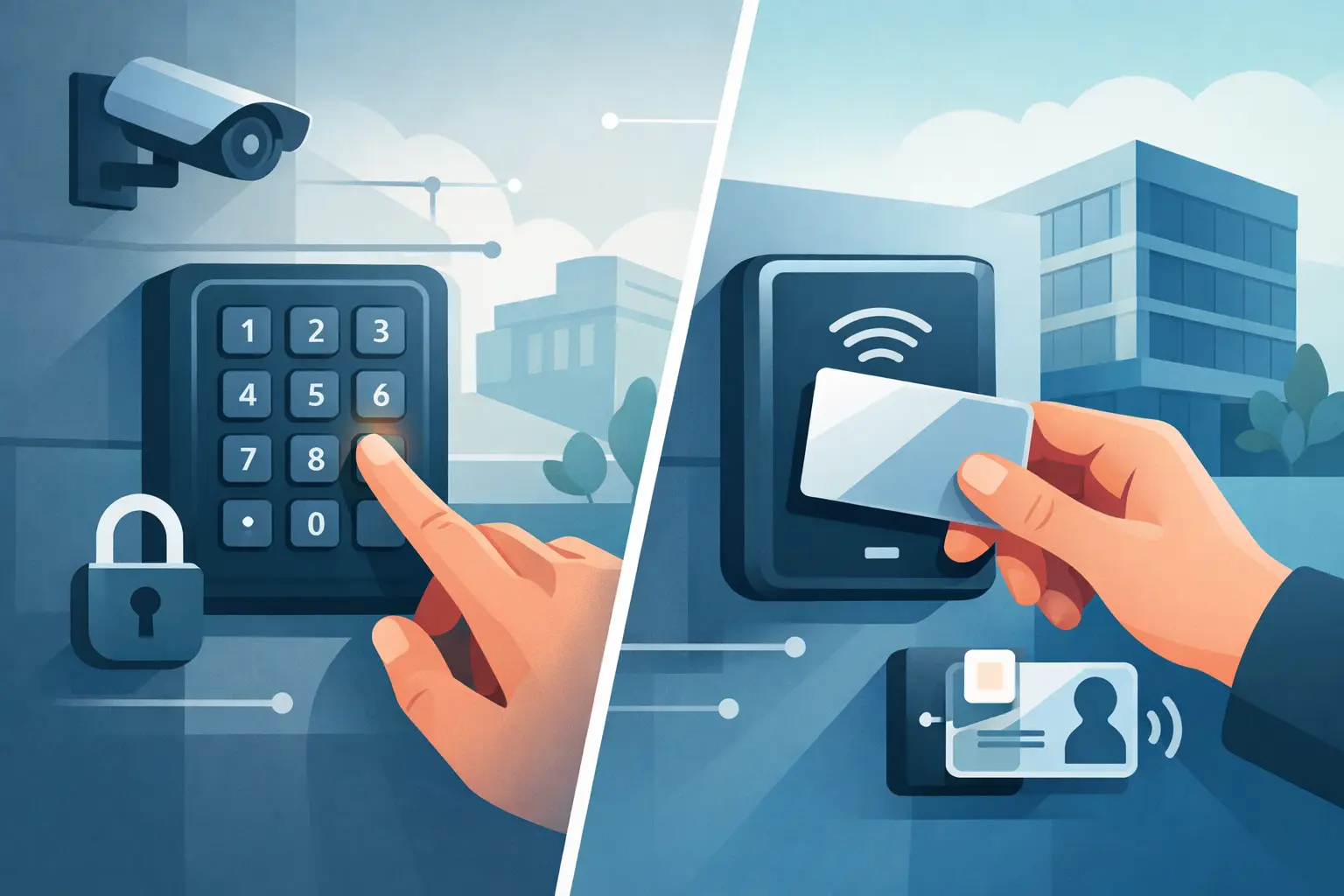

A door code that everyone knows can become a problem the moment an employee leaves, a tenant moves, or a contractor finishes work. That is the real decision behind keypad vs card access: not just how someone opens a door, but how easily you can control, change, and verify access after the door is installed.
For a single residential gate or a small staff-only room, a keypad may be the right answer. For a growing business, school, managed property, or site with multiple doors and changing users, card access usually gives you more control. The best choice depends on the people using the property, the doors being protected, and how much management you need after installation.
What keypad access does well
A keypad access system requires a user to enter a PIN at the door, gate, or controlled entry point. When the code is valid, the system releases the electric strike, magnetic lock, gate operator, or other locking hardware.
Its biggest advantage is simplicity. There are no cards, fobs, or mobile credentials to hand out, replace, or collect. A homeowner can give a dog walker a temporary code. A small shop can use one code for staff and another for deliveries. A contractor can receive access without needing to visit the office first.
Keypads can also be a practical option where there are only a few authorized users and access needs do not change often. For a side gate, equipment enclosure, community pool entrance, or detached garage, a well-installed keypad can provide reliable controlled entry at a reasonable cost.
The limitation is shared knowledge. If five people use the same code, the system cannot tell which person entered. If that code gets passed along, it must be changed for everyone. That may be manageable at a residence, but it becomes time-consuming at a busy office or facility.
When keypad access is a strong fit
Keypad access makes sense when convenience and low credential overhead matter more than individual activity tracking. It is often a good fit for homeowners, small businesses with a stable team, and gates where users may not want to carry an additional credential.
A keypad can be programmed with separate codes for different users or groups, depending on the equipment selected. This helps improve accountability, but it still relies on users keeping their PINs private. Codes should not be written near the entrance, shared in group text messages, or left unchanged for years.
What card access does well
Card access uses a credential such as a proximity card, key fob, smart card, or mobile credential. Each credential can be assigned to a specific person and programmed with permissions for certain doors, times, and dates.
That individual control is the main reason organizations choose card access. If an employee leaves, their credential can be removed from the system without changing access for everyone else. If a teacher needs access to a building only during school hours, those schedules can be set in advance. If a vendor needs entry for one week, access can be issued and then automatically expire.
Card access systems also create usable records. Facility managers can review door events to see when a credential was used, whether access was granted, and which entry point was involved. These records can support incident reviews, internal policies, and better day-to-day management.
For businesses, schools, apartment buildings, and public-sector sites, card access can reduce the confusion that comes with physical keys. A lost key may require rekeying locks. A lost card or fob can simply be deactivated and replaced.
The trade-offs of card access
Cards and fobs must be issued, carried, and replaced when lost. That adds an administrative step that a basic keypad does not have. The system also needs the right controller, reader, wiring, network configuration, and software setup to work as intended.
Upfront cost is usually higher than a standalone keypad, especially when several doors, remote management, event reporting, and integrations are involved. Still, the long-term value can be significant when staff turnover is common or when physical keys are being copied, lost, and reissued.
Not every card access system offers the same level of protection. Older proximity credentials can be easier to copy than modern encrypted smart credentials. The right reader and credential technology should match the security level of the property, rather than being selected only on initial price.
Keypad vs card access for security and accountability
The security difference between keypad and card access is mostly about identifying the person at the door.
A keypad confirms that someone knows a valid code. A card system confirms that someone has a valid credential. Neither approach is perfect on its own. A PIN can be shared, observed, or guessed if it is weak. A card can be lost, borrowed, or stolen. Good access control design accounts for these realities.
For higher-risk doors, the strongest option may be a reader and keypad used together. This is called two-factor access: the user must present their credential and enter a PIN. It is useful for areas such as server rooms, medication storage, sensitive records rooms, cash offices, and restricted maintenance areas.
Camera coverage also matters. A properly positioned security camera at a controlled door gives property owners a visual record to go with access events. When a door incident occurs, video and access logs can provide a clearer picture than either system alone.
Consider the door, the people, and the daily routine
The right system is not always the most expensive one. It is the one that fits how the property actually operates.
A homeowner with a driveway gate may prefer a weather-rated keypad and remote gate control. A small office with eight employees may benefit from card or fob access so credentials can be removed when staffing changes. A school may need multiple doors, schedules by role, lockdown planning, visitor procedures, and reporting. Those needs point toward a managed access control system rather than a standalone keypad.
Think about the following operational questions before selecting equipment:
- How many people need access now, and how often does that group change?
- Do different users need different doors, schedules, or expiration dates?
- Would you need to know who entered after an incident?
- Is the opening exposed to rain, extreme temperatures, or vandalism?
- Does the system need to work with cameras, alarms, intercoms, or gate operators?
These answers often make the choice clearer. A site with one door and a stable user group may not need a full credential management platform. A site with multiple users, multiple doors, and frequent changes usually benefits from it.
Installation quality affects both options
Access control is more than a reader on the wall. The locking hardware must be appropriate for the door and local life-safety requirements. Doors may need electric strikes, electrified panic hardware, magnetic locks, door contacts, request-to-exit devices, and emergency release components. Gates need correctly matched controls, safety devices, and dependable low-voltage wiring.
Networked systems add another layer. Remote management, mobile access, and camera integration depend on proper IP networking, secure configuration, reliable power, and backup planning. A poorly designed system may create nuisance lockouts, unreliable event records, or doors that do not behave correctly during a power or network interruption.
This is why a site review matters. ATECH SECURITY LLC evaluates the opening, hardware, user needs, and network environment so the system is designed for the property instead of forced into a one-size-fits-all package.
Cost is more than the price of the reader
A standalone keypad generally has a lower equipment cost and fewer moving parts to manage. It can be an efficient choice for simple applications. But its lower initial price may come with more work later if codes must be changed repeatedly or if there is no way to identify who used the entrance.
Card access costs more upfront because it involves credentials, readers, controllers, software, and often more detailed installation. Yet it can save time and reduce risk over the life of the system. Deactivating one former employee is easier than changing a building-wide code and notifying every remaining user.
Ask for a solution based on the full operating cost, not just the first invoice. Consider credential replacement, staff turnover, system support, future doors, and the value of accurate access records.
Choose control that matches the risk
Keypad access is simple, convenient, and effective for many low-to-moderate risk doors and gates. Card access provides stronger user-level control, better reporting, and easier changes when people come and go. For some properties, combining both is the right move.
The most useful access system is one your staff, family, or tenants can use correctly every day - while giving you a clear way to respond when access needs change.
Comments