
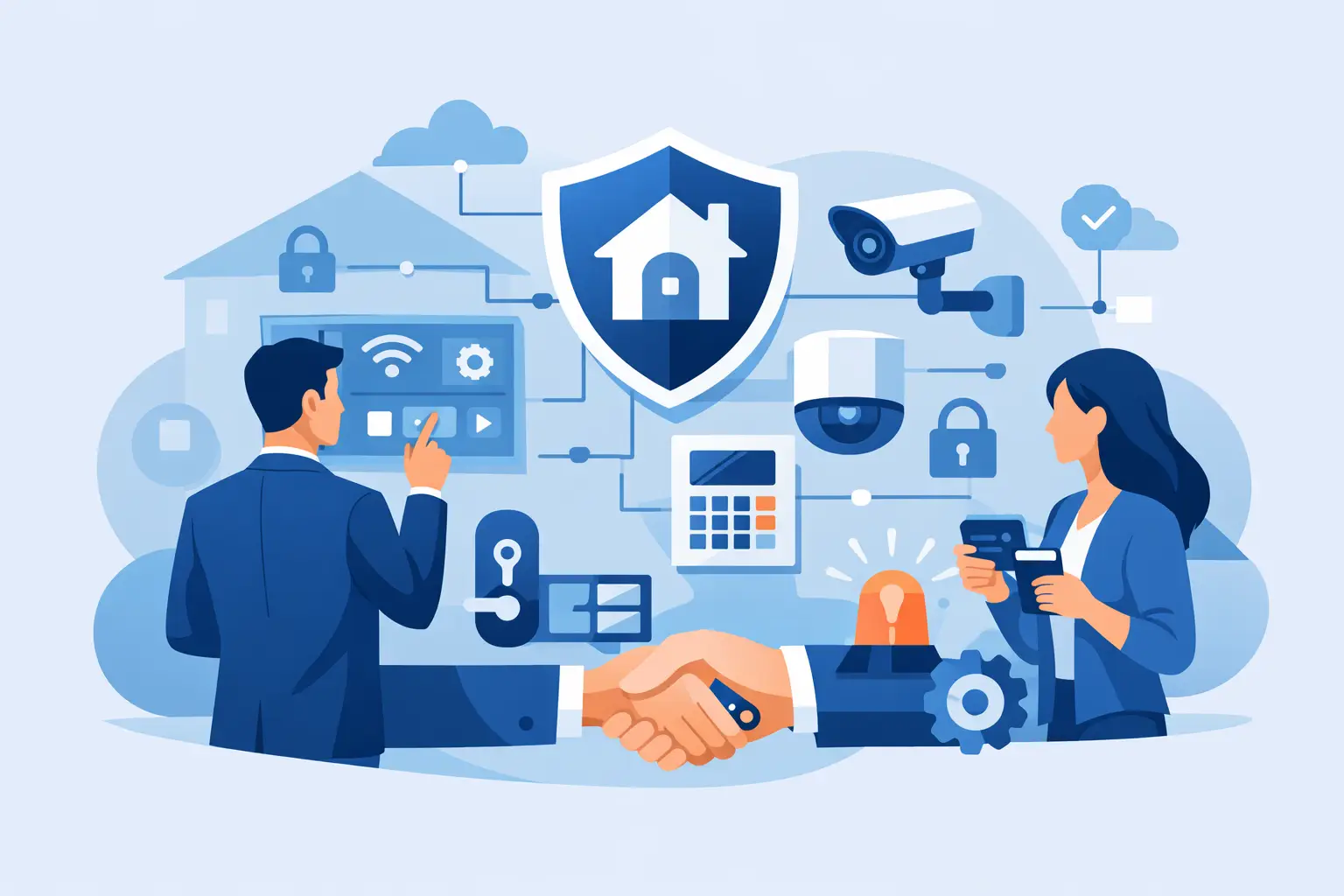

A security provider changes, a property is purchased, or the original installer stops responding. Then the real question becomes clear: who can service the equipment already on the building? This security system takeover guide explains how homeowners, businesses, schools, and property managers can take control of an existing camera, alarm, access control, or gate system without making expensive assumptions.
A takeover is not simply connecting a new monitoring company or replacing a few cameras. It is a documented review of the installed equipment, ownership, programming access, network health, and current condition of the system. Done correctly, it can preserve useful equipment while correcting the weak points that leave a property unprotected.
What a Security System Takeover Actually Means
A security system takeover is the authorized transfer of service responsibility from one provider to another. The new contractor evaluates what is installed, verifies whether it can be supported, gains legitimate administrative access, and identifies needed repairs, upgrades, or programming changes.
The equipment may still be in good shape. Many camera systems, card readers, alarm panels, intercoms, and gate operators can remain in service after a proper evaluation. However, the system must be accessible, safe to operate, and compatible with current requirements. A camera recorder with a failed hard drive, an alarm panel with unknown user codes, or a door controller that no longer receives updates may need more than routine service.
For commercial and institutional properties, the takeover process should also consider daily operations. Employees need reliable entry, managers need usable reports and remote access, and the system must support how the facility actually operates. A solution that works on paper but creates delays at the front door or leaves a loading area unmonitored is not a good solution.
Start With Ownership and Authorized Access
Before anyone changes programming, passwords, or network settings, confirm that the person requesting service has authority over the property and equipment. This protects the owner, occupants, and contractor. A new tenant may have authority to manage certain systems, for example, while the landlord retains control of base-building cameras, exterior gates, or common-area access control.
Collect any available invoices, contracts, equipment manuals, alarm permits, monitoring information, and login records. If the prior installer is still available, request a transfer of administrator credentials and system documentation. That can save time, but do not assume records are complete or current.
A qualified technician should identify the installed components before promising that every device can be reused. At a minimum, the review should document:
- Camera locations, recorder model, storage status, and image quality
- Alarm panel model, communication method, keypad condition, and zone status
- Access control panels, readers, locks, credentials, and door hardware
- Network switches, cabling, power supplies, batteries, and surge protection
This inventory creates a clear starting point. It also prevents a common problem: paying for service on a system that has hidden failures, unsupported hardware, or no legitimate path to administrative control.
Do Not Treat Credentials as a Minor Detail
Passwords, installer codes, cloud accounts, mobile app ownership, and email recovery addresses are part of the security system. If a former employee, previous tenant, or old vendor still has access to cameras or doors, the takeover is incomplete.
After authorization is verified, the system should receive new administrator credentials, unique user accounts where supported, and updated contact information. Remove former users who no longer need access. For a business, avoid sharing one generic manager login across multiple people. Individual accounts make it easier to control permissions and understand who made changes.
Test the System Before Deciding What to Replace
A professional assessment goes beyond turning on a monitor and confirming that an image appears. Each part of the system needs functional testing under normal conditions.
For cameras, check daytime and nighttime images, viewing angles, motion events, recording playback, timestamps, remote viewing, and retention time. A camera may be online yet still fail its purpose because glare obscures faces, a tree blocks a driveway view, or storage holds only a few days of video. Image quality also depends on the recorder, network capacity, and camera placement, not just camera resolution.
For intrusion alarms, test keypads, sensors, alarm signals, backup batteries, sirens, and communication to the monitoring path. Cellular and IP communicators should be reviewed carefully, especially if the system depended on an old phone line or discontinued communication method. Do not assume an alarm is being monitored simply because the keypad appears normal.
Access control requires a practical door-by-door review. The technician should verify reader operation, request-to-exit devices, door position contacts, locking hardware, schedules, emergency release requirements, and battery backup. A card reader can appear to work while a misaligned door, failing power supply, or damaged lock prevents dependable security.
Gate systems deserve the same attention. Remote controls, safety devices, keypad access, vehicle loops, photo eyes, operator limits, and remote management all affect both security and safe operation. Gate work may involve electrical, mechanical, and local code requirements in addition to low-voltage controls.
Fire alarm systems follow a different standard from security alarms. They often involve permits, inspection requirements, monitoring rules, and coordination with the authority having jurisdiction. Do not approach a fire alarm takeover as a simple password change or general maintenance visit. It requires the appropriate qualified service process and documentation.
Reuse, Upgrade, or Replace: Make the Decision by Risk
Not every legacy system needs a complete replacement. Reusing stable cameras, existing cable pathways, quality door hardware, or compatible alarm devices can control project costs. It can also reduce downtime for an occupied home, office, school, or public facility.
Still, retaining old equipment only makes sense when it supports the level of protection the property needs. Replacement is usually the better choice when equipment is unsupported, has repeated failures, lacks secure remote access, cannot record enough video, or depends on credentials that cannot be properly transferred. Poorly installed cabling, overloaded power supplies, and aging hard drives can create recurring service costs that exceed the value of keeping the old system.
Network readiness matters as well. Modern IP cameras, mobile apps, and remotely managed access control rely on stable networking. The network should be evaluated for available bandwidth, switch capacity, power over Ethernet requirements, segmentation, wireless coverage where applicable, and secure remote access. A security contractor that understands both field installation and IP networking can identify whether the issue is the camera itself or the infrastructure supporting it.
Security System Takeover Guide: Choosing the Right Provider
The right provider will not promise a full takeover from a few phone photos. A responsible contractor asks about the property, reviews the equipment, explains what can be serviced, and identifies limitations before work begins.
Look for a local company that can provide installation, repair, programming, and continuing support. Security systems need attention after the first visit. A recorder may need a replacement drive, a new employee may need a credential, a gate remote may stop working, or a camera view may need adjustment after construction changes the site.
Ask how the provider handles documentation and future service. You should know who owns the equipment, where system records are kept, how credentials are managed, what response options are available, and which parts are covered by warranty. For properties in Southern New Jersey, Philadelphia, and Pennsylvania, ATECH SECURITY LLC approaches takeovers as a service relationship, not a one-time equipment sale.
Price should be clear, but the lowest initial quote is not always the lowest cost. A cheap takeover that leaves failing equipment, unknown passwords, and weak network security in place can create more disruption later. The best scope is one that addresses immediate risks while giving the owner a realistic plan for future upgrades.
Plan the Transition to Limit Downtime
For a home, the transition may be completed in a focused service visit. For a business or school, schedule work around operating hours and identify which doors, cameras, or alarm areas are most critical. If access control is involved, have a plan for temporary entry while readers or panels are being serviced.
The final handoff should include confirmation that authorized owners can use the system. Test remote viewing, verify alarm contacts and call lists, confirm access schedules, and make sure the right people understand basic daily operation. Keep administrator credentials protected and store service records where future decision-makers can find them.
A security takeover is a chance to correct years of neglected maintenance and regain visibility over the property. Start with authorization, verify what is actually working, and make upgrade decisions based on risk instead of guesswork. That approach leaves you with a system that is easier to manage and ready to protect the people and property that depend on it.
Comments