

A lost office key is more than an inconvenience. It can leave a former employee, vendor, or unknown person with access to your building until every affected lock is changed. That is one reason an office access control guide should start with a practical goal: control who can enter, where they can go, and when their access should end.
For offices in Southern New Jersey and the Philadelphia area, the right system is rarely just a card reader on the front door. It is a planned security solution that accounts for employees, visitors, deliveries, restricted areas, emergency exits, network reliability, and the day-to-day needs of the business.
What Office Access Control Is Designed to Do
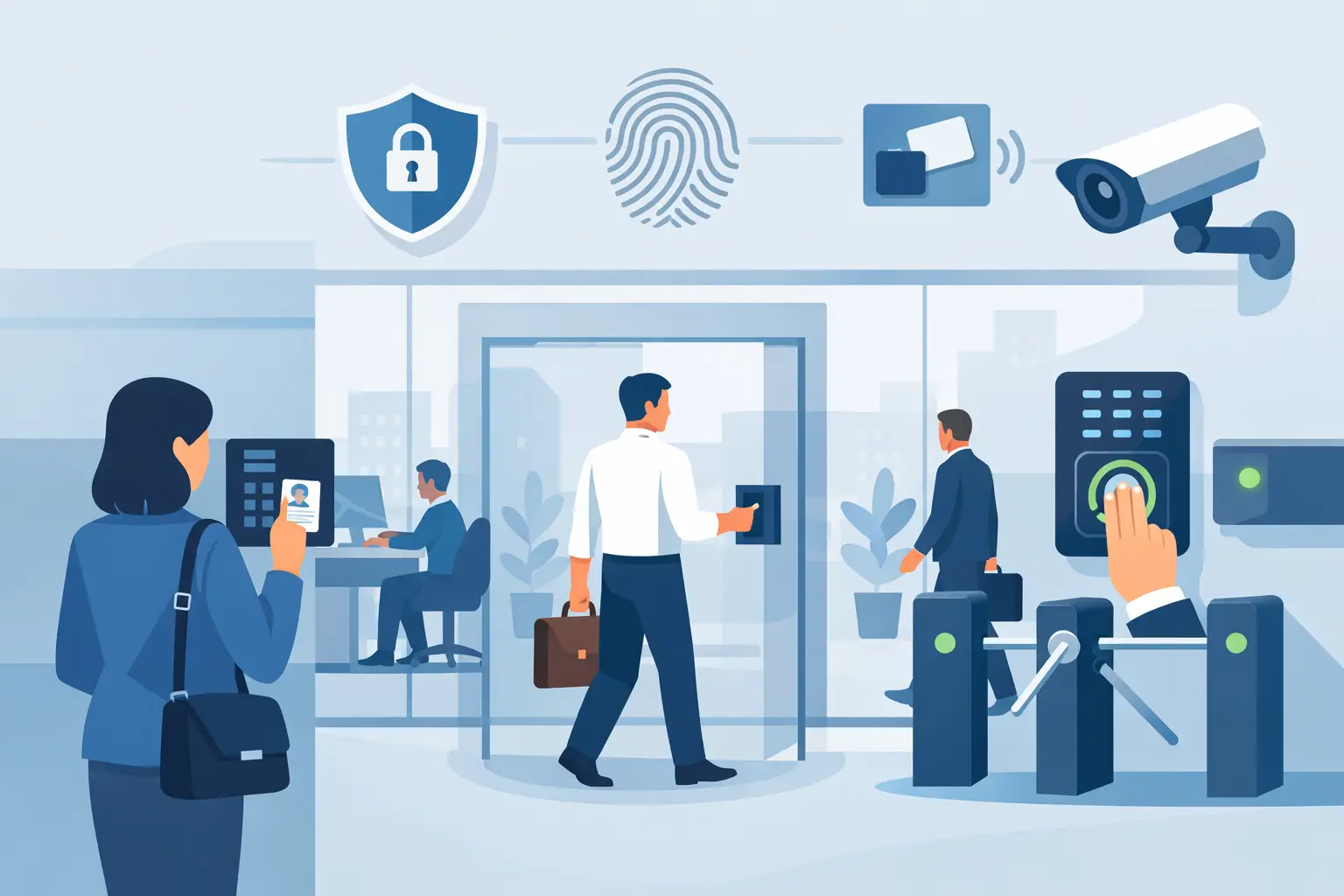
Access control replaces or supplements traditional keys with electronic credentials and programmed permissions. An employee may use a key card, fob, mobile credential, keypad code, or biometric reader to request entry. The system checks that credential against the approved schedule and door permissions, then releases the electric lock if access is authorized.
The major advantage is control after installation. If an employee leaves, a manager can disable a credential instead of rekeying multiple doors. If a contractor only needs access from 7:00 a.m. to 5:00 p.m., those hours can be assigned in the system. If a file room, server room, or medication cabinet needs tighter protection, access can be limited to authorized personnel.
A properly configured system also creates an event history. Managers can review door activity after a theft, incident, or disputed entry. This is useful, but it should not be treated as a substitute for cameras, policies, or attentive management. Access records show when a credential was used. They do not always confirm who was physically holding it.
Start With the Doors That Create Real Risk
Not every door needs the same level of protection. A good design begins with a walkthrough of the property, not a catalog of equipment. The main entrance, employee entrance, rear delivery door, interior suite door, office storage room, server closet, and gate may each require a different approach.
The first priority is usually exterior doors that employees use daily. These doors should remain secure without slowing down normal arrivals. A reader paired with an electric strike, electrified lever lock, or magnetic lock can provide controlled entry while allowing authorized users to enter quickly.
Interior doors should be considered when they protect sensitive records, inventory, financial information, IT equipment, or areas with limited staff authorization. For a small office, securing the exterior doors and one server or records room may be enough. For a school, medical facility, or public-sector site, access levels may need to be much more detailed.
Door hardware matters as much as the reader. A reader cannot compensate for a weak door frame, misaligned latch, damaged closer, or improperly selected lock. The door must close and latch consistently, and the installation must preserve safe, code-compliant exit operation.
Choosing Credentials for Your Office
Most offices choose card or fob credentials because they are familiar, affordable, and easy to issue. They work well for businesses with a stable employee roster and doors used throughout the day. A lost fob can be removed from the system quickly, then replaced without changing the lock.
Mobile credentials are a practical option for companies that want employees to use their smartphones. They can reduce the need to issue physical cards, but they depend on users keeping phones charged and available. Some businesses prefer a mix: cards or fobs for daily staff and mobile credentials for administrators or temporary users.
Keypads can be useful at low-traffic doors or for a secondary entry method. Their limitation is shared codes. Once a code is passed along, it is difficult to know who used it. If keypad codes are used, assign individual codes when possible and change them whenever staff responsibilities change.
Biometric readers can add another layer of identity verification, but they are not automatically the right choice for every office. They cost more, require thoughtful privacy consideration, and may be unnecessary where card-and-PIN authentication provides sufficient protection. The best credential is the one your team will use correctly and consistently.
Plan Access by Role, Time, and Location
A secure office should not give every credential access to every door at all hours. Instead, create groups based on job function. Reception staff may need front-door access during business hours. IT staff may need server-room access. Managers may need after-hours access, while cleaning crews may only need entry during a scheduled service window.
This approach keeps administration manageable. Rather than programming doors one employee at a time, new hires can be assigned to an existing role. It also reduces the chance that a temporary employee receives more access than necessary.
When planning permissions, include exceptions before they become problems. Consider early-opening staff, weekend work, delivery personnel, vendors, and emergency maintenance. A reliable system should support these needs without relying on a door being propped open or a key being passed from person to person.
Office Access Control Guide: Features Worth Prioritizing
The right features depend on the building and risk level, but several capabilities provide real value for most commercial offices:
- Door position monitoring, which can alert staff when a door is held open or forced open.
- Remote management, allowing authorized administrators to add, remove, or update credentials without being at the panel.
- Battery backup, so controlled doors and system communications continue operating as designed during a power interruption.
- Audit reporting, which provides a usable record of credential activity when an incident needs review.
- Integration with cameras, alarms, intercoms, or electronic gates for a clearer view of what is happening at an entry point.
Integration should solve an operational problem, not add complexity for its own sake. For example, a camera at a rear entrance can help verify whether a door-held-open alert is a delivery, an employee mistake, or an unauthorized attempt to enter. At a gated property, access control can coordinate employee entry while cameras document vehicle activity.
Cloud, On-Premises, or Hybrid Management
Cloud-managed access control appeals to businesses that need convenient remote administration, multiple locations, or simple credential changes from a web-connected device. It can reduce the need for local software management, but it should be evaluated for recurring costs, user permissions, network requirements, and what happens if internet service is interrupted.
On-premises systems can offer more local control and may suit organizations with strict internal IT policies. They may require more attention to software updates, backups, and server or workstation maintenance. A hybrid design can offer local door operation while providing secure remote administration and notifications.
The key question is not which option is newest. It is whether the system will continue to operate properly when the network has an issue, when power is lost, and when the person responsible for administration is unavailable. Ask how doors behave during outages and verify that the answer matches your security and life-safety requirements.
Installation Requires Security and Network Knowledge
Modern access control is low-voltage security work, but it often touches the building network. Controllers, readers, cameras, intercoms, and remote management tools may all need reliable connectivity. Poor network planning can lead to slow response, unreliable remote features, or avoidable security exposure.
A professional installation should account for cable pathways, panel location, power supplies, backup power, door hardware, network connections, labeling, and future service access. It should also include testing of every door condition: authorized entry, denied entry, request-to-exit, door forced open, door held open, fire alarm release where required, and power-loss behavior.
This is where a local security contractor can make a meaningful difference. ATECH SECURITY LLC designs and services electronic security systems with both field installation and IP networking requirements in mind, helping businesses avoid a setup that looks complete on day one but becomes difficult to manage later.
Put Procedures Around the System
Technology works best when employees know what is expected. Assign one or two system administrators, document who can approve access changes, and remove access immediately when employment ends or roles change. Review active credentials periodically, especially for former contractors, temporary staff, and lost cards or fobs.
Employees should also understand basic door security. They should not prop open secured doors, lend credentials, or allow unknown people to follow them into restricted spaces. Visitor procedures matter as well. A reception process, visitor badge, or escorted-access policy may be enough for a small office, while larger facilities may need intercom verification and dedicated visitor credentials.
An access control system is not a set-it-and-forget-it purchase. Doors move, staff changes, businesses grow, and security concerns shift. A system that is reviewed, serviced, and adjusted as your operation changes will protect people and property far better than a row of unused key cards in a desk drawer.
The most effective next step is simple: walk your office as if you were responsible for protecting it after hours. The doors, areas, and routines that give you pause are the places where a well-designed access control system can start doing real work.
Comments