
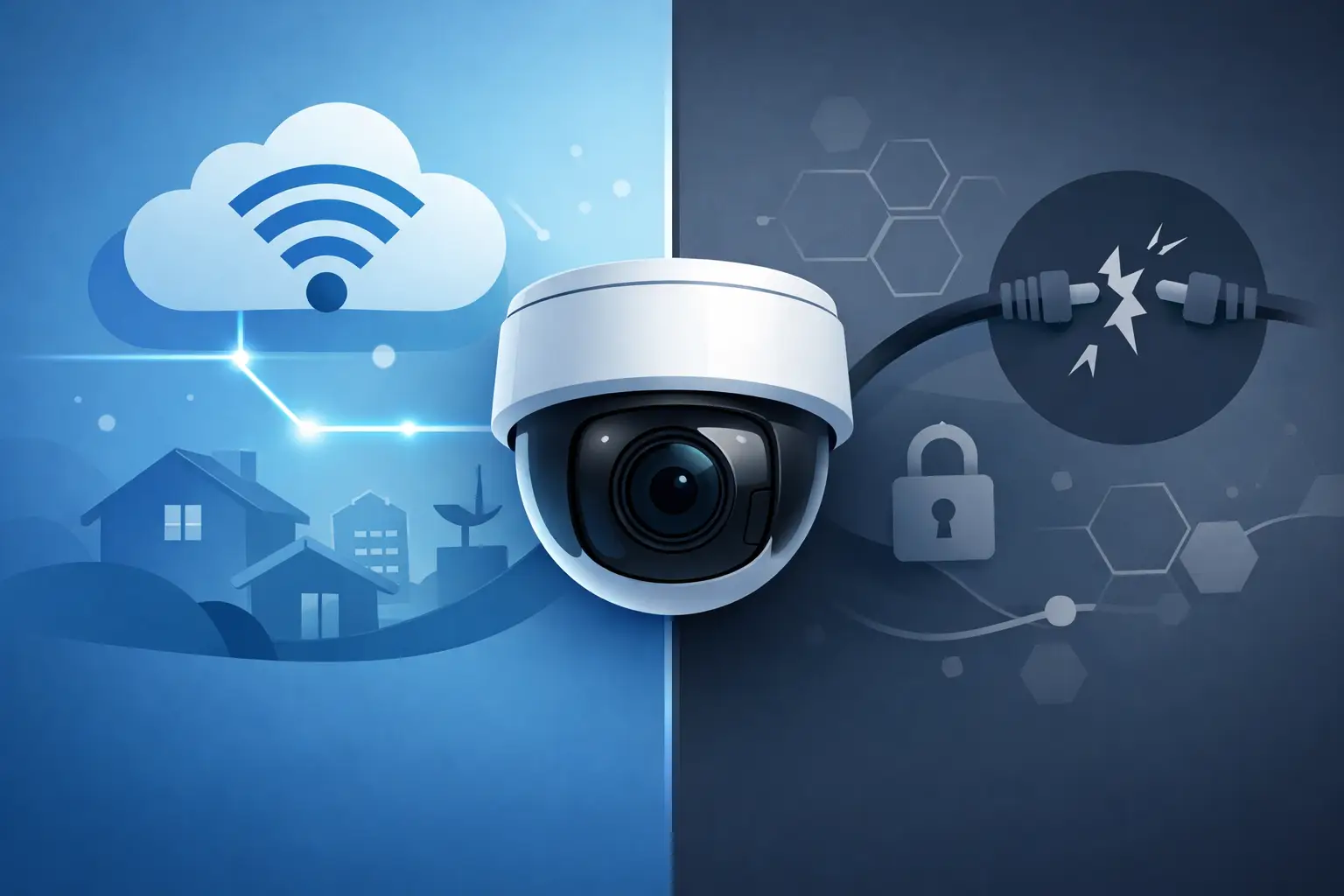

A lot of property owners ask the same question right before buying a system or replacing an older one: do security cameras need internet? The short answer is no, not always. A camera can record video without an internet connection, but whether that setup makes sense depends on what you want the system to do day to day.
That distinction matters. Some people want a camera that simply records on site and can be reviewed later. Others want live viewing from a phone, motion alerts, cloud storage, or the ability to check multiple locations while away. Those are very different jobs, and the internet affects them in very different ways.
Do security cameras need internet for basic recording?
If your goal is basic local recording, internet is not required. Many wired camera systems and some standalone cameras can capture and store footage directly to a DVR, NVR, SD card, or other local device without ever connecting to the web.
This is common in professionally installed systems for homes, businesses, schools, and industrial properties. The cameras connect to recording equipment over coax or network cabling, and the recorder stores the video on site. As long as the camera has power and a path to the recorder, it can keep working even during an internet outage.
That is one reason many commercial and higher-security installations still favor hardwired systems. They are built for consistent recording, not just convenience features. If your network provider goes down, your cameras do not suddenly stop capturing video.
What the internet actually changes
Where internet becomes important is remote access and communication outside the building. If you want to pull up your cameras from your phone while at work, receive push notifications after hours, or check a second property from another location, the system usually needs internet access.
The camera itself does not need the internet to see or record. The internet allows you to reach the system from somewhere else. That is an important difference and one that gets lost in a lot of online product marketing.
For many homeowners, remote viewing is the main reason to connect a system. For many business owners, it is part of daily operations. Managers want to verify deliveries, check opening and closing procedures, or review an incident without driving to the site. In those cases, internet access is less of a luxury and more of a practical requirement.
When a no-internet camera setup makes sense
A no-internet setup can be a smart choice if reliability and local control matter more than app-based access. It is often a good fit for detached buildings, rural properties, warehouses, utility spaces, and locations where internet service is unstable or unavailable.
It can also make sense for customers who want security recording but do not want cloud dependence. Local recording gives you direct control over where footage is stored. In some environments, that is preferred for operational, privacy, or policy reasons.
That said, no-internet systems are not automatically simpler. You still need proper camera placement, power, storage capacity, lighting, and a recorder that is configured correctly. If those basics are not handled well, the lack of internet will not be the reason the system falls short.
What you give up without internet
The trade-off is convenience. Without internet, you usually lose remote live view, off-site notifications, and cloud-based backup. If an incident happens, someone often needs to be physically present at the recorder or camera to review footage.
That can be fine for some properties and frustrating for others. A homeowner may be comfortable checking footage at home in the evening. A retail owner with two locations may not be. A school or municipal site may need security staff to access video quickly from another office. In those cases, internet-connected access becomes much more useful.
There is also a difference between no internet and no network. A camera can still operate on a local area network inside the building without being open to the public internet. That kind of setup can allow internal viewing while keeping outside access restricted. For some organizations, that is the right middle ground.
Wired systems vs Wi-Fi cameras
This is where confusion usually starts. Many consumer cameras are sold as Wi-Fi devices, so buyers assume internet is required for all security cameras. It is not. Wi-Fi and internet are not the same thing.
Wi-Fi is a local wireless connection. Internet is your outside connection to the web. A camera may use Wi-Fi to talk to a router inside the property, but whether it needs active internet service depends on how that camera stores footage and how the manufacturer designed it.
Some Wi-Fi cameras rely heavily on cloud services and become very limited without internet. Others can continue recording to a local memory card even if outside service drops. Most professionally installed wired systems are less dependent on internet because they are designed around local recording from the start.
For larger homes and commercial properties, wired cameras are usually the more dependable choice. They offer stronger signal stability, better support for higher-resolution video, and fewer issues caused by wireless interference, building materials, or distance.
Do security cameras need internet for remote viewing?
If remote viewing is non-negotiable, then yes, security cameras generally need internet in some form. More accurately, the recorder or camera system needs internet access so you can securely connect to it from outside the property.
That does not mean every camera needs its own direct internet plan. In a typical setup, the cameras connect locally to a recorder or network, and that central system uses the property's internet connection to provide remote access.
The quality of that experience depends on more than the cameras themselves. Upload speed, firewall settings, app quality, network configuration, and cybersecurity all matter. This is one reason installation experience makes a difference. A camera system is no better than the network and configuration behind it.
What happens during an internet outage?
With the right system, local recording can continue during an outage. This is one of the biggest advantages of an NVR or DVR-based setup. As long as power remains on and the local camera network is intact, the system can keep storing footage even if the internet provider is down.
What usually stops during an outage is remote access. You may not be able to view cameras from your phone or receive notifications until service is restored. If your system depends entirely on the cloud, the interruption may be more serious.
That is why it is worth asking a simple question before buying any camera system: if the internet goes down, what still works? The answer tells you a lot about how suitable that system is for a residence, storefront, office, or larger facility.
Choosing the right setup for your property
The best setup starts with how you plan to use the cameras, not with a generic product label. If you want dependable recording at a fixed location, a locally recording wired system may be the strongest option. If you want simple plug-in monitoring for a small area, a Wi-Fi camera may be enough. If you want both local reliability and remote access, a professionally designed IP camera system often gives you the best balance.
For businesses and institutional sites, that balance matters even more. You may need retained footage, user permissions, better image quality, coverage at entrances and parking areas, and remote access for management or security personnel. Those needs usually point toward a more structured system rather than an off-the-shelf camera.
This is where a local installer with both security and networking experience can save time and prevent costly mistakes. ATECH SECURITY LLC works with customers who need systems that do more than turn on. They need to record consistently, support real operations, and remain serviceable over time.
The internet question is really a use-case question. If all you need is local video capture, internet may be optional. If you want remote access, mobile alerts, cloud services, or off-site management, internet becomes part of the solution. Neither approach is automatically better. It depends on the property, the risk level, and how you expect the system to perform when something actually happens.
A good security camera system should match the way you live or work, not force you into compromises you discover later.
Comments