
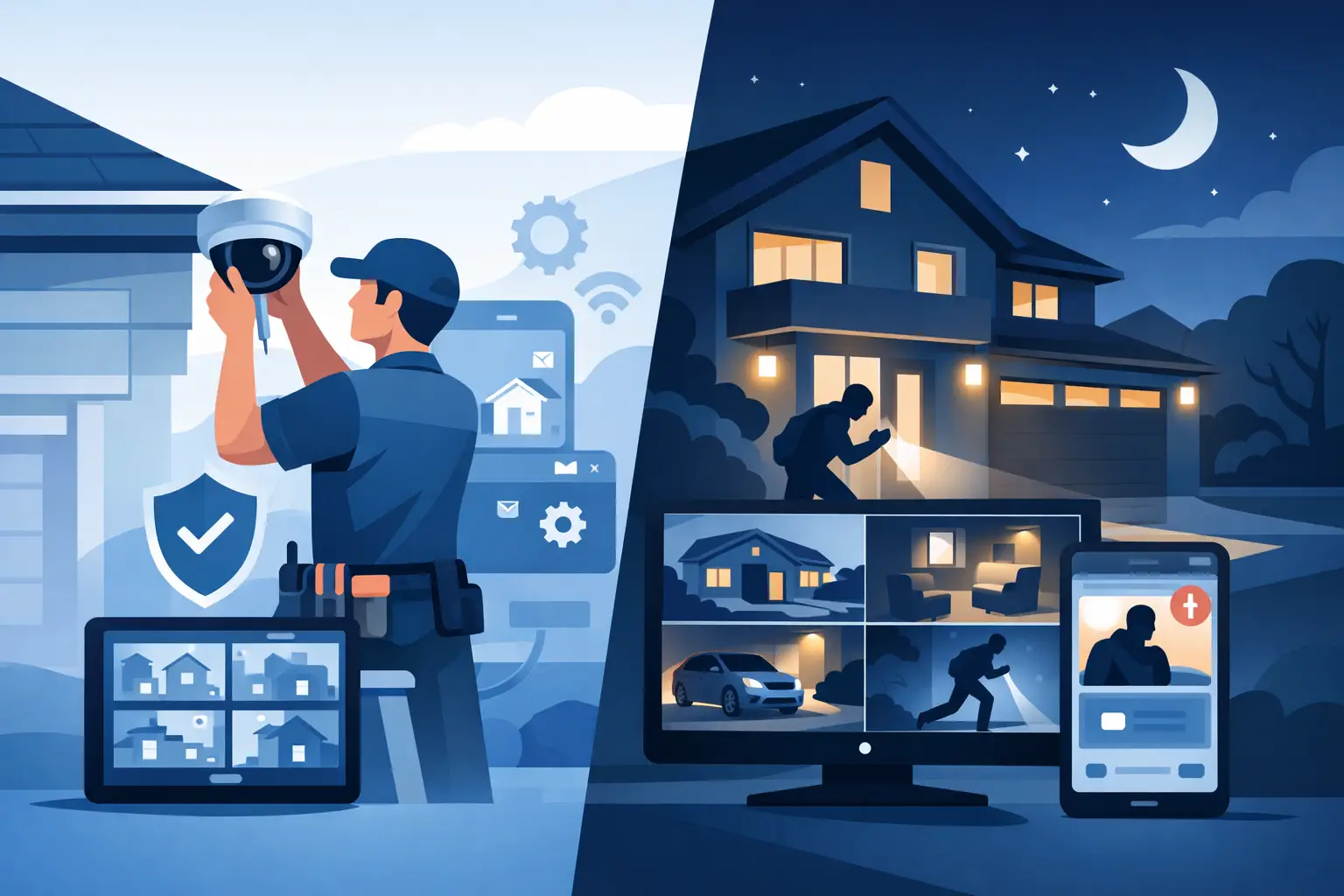

A camera mounted above the front door may record a visitor. A properly planned home surveillance installation can show who approached, where they came from, whether they entered the property, and what happened afterward. That difference matters when you are protecting your family, vehicles, packages, tools, and the parts of your property that are out of sight.
For homeowners in Southern New Jersey and the Philadelphia area, the right system is not simply a collection of cameras. It is a reliable security system designed around the way your home, driveway, yard, entrances, and network actually operate.
What a Home Surveillance Installation Should Solve
Every property has different exposure points. A rowhome may need clear coverage of a front entry, alley, and rear yard. A larger suburban home may need cameras at multiple doors, a long driveway, detached garage, pool area, or perimeter gate. The goal is not to place a camera on every wall. It is to remove blind spots around the areas that matter most.
A professional design starts with practical questions. Where do people normally enter? Where could someone approach without being seen? Is the priority identifying faces, watching vehicles, checking on deliveries, or documenting activity after hours? The answers determine camera locations, lens selection, recording capacity, and whether remote viewing is useful for your household.
Clear video is only part of the equation. A system also needs dependable power, stable network connections, secure recording, and settings that make it easy to find footage when an incident occurs. A camera that goes offline or records an unusable angle does not provide much protection when you need answers.
Start With Coverage, Not Camera Count
More cameras do not automatically mean better security. A camera placed too high may show that a person was present but fail to capture a usable face. A wide-angle camera can cover a large yard but may not provide enough detail at the end of a driveway. Good coverage requires the right camera in the right location.
Most residential systems benefit from coverage at primary entry points first: the front door, rear door, garage or driveway, and accessible side areas. From there, the plan can expand to a gate, shed, patio, pool, or detached structure. Cameras should overlap where possible so a person moving through the property can be tracked from one area to the next.
Before installation, walk the property with a technician and consider these four issues:
- Entry and exit paths, including side gates and rear access points
- Lighting conditions during the day, at dusk, and overnight
- Distance from the camera to the face, vehicle, or area you need to identify
- Obstructions such as trees, seasonal foliage, rooflines, parked vehicles, and glare
Night coverage deserves special attention. Infrared cameras can capture activity in low light, but reflective surfaces, porch lights, glass, and vehicle headlights can affect the image. In some locations, adding or repositioning exterior lighting produces better results than relying on a camera setting alone.
Camera placement should be intentional
Visible cameras can discourage opportunistic theft and unwanted activity. Discreet cameras may make more sense where you want observation without drawing attention to the equipment. Both approaches have a place, depending on the property and the concern being addressed.
Placement should also protect the equipment. Cameras must be high enough to reduce tampering, yet positioned for useful identification. Wiring should be protected from weather and physical damage. Outdoor equipment should be selected and mounted for the conditions it will face through summer heat, heavy rain, snow, and winter temperatures.
Choose Recording That Fits Your Household
Footage is valuable only if it is available when you need it. That is why recording strategy should be part of the initial design, not an afterthought.
Cloud-based cameras can be convenient for small setups, especially when a homeowner wants simple alerts and short video clips. However, cloud service fees, internet dependence, privacy preferences, and limited retention periods can make this option less suitable for a larger system.
A local network video recorder, often called an NVR, provides on-site recording for multiple IP cameras. It can retain video continuously, record based on motion, or use a combination of both. For many homes, local recording provides greater control over storage and avoids relying entirely on an internet connection to preserve video.
The amount of storage required depends on camera resolution, the number of cameras, recording schedule, motion activity, and desired retention period. A home with four cameras recording continuously needs a different storage plan than a property with eight high-definition cameras covering active driveways and entrances. A qualified installer can calculate these needs before the system is installed, rather than leaving you to discover that important footage has already been overwritten.
Your Network Is Part of the Security System
Modern cameras are network devices. They use your home network to communicate with the recorder and, when configured, allow secure remote viewing from a smartphone, tablet, or computer. This makes networking knowledge just as important as mounting hardware.
A wired IP camera system is often the most reliable choice for permanent coverage. Power over Ethernet technology can deliver power and data through a single network cable, reducing the need for individual power outlets at each camera. Properly routed cable provides a more dependable connection than relying on Wi-Fi at the edge of a property or through multiple exterior walls.
Wireless cameras can be useful in difficult locations or for limited coverage, but they have trade-offs. Signal strength can vary, batteries need maintenance, and a crowded home Wi-Fi network can affect performance. They are not always the best answer for a driveway, detached building, or any location where continuous recording is expected.
Remote access should be configured with security in mind. Use strong unique passwords, keep equipment firmware current, and limit account access to the people who need it. A professional installer should also confirm that remote viewing works before leaving the property and explain how to use the system without making everyday operation complicated.
Do Not Overlook the Installation Work
The equipment is only one part of the job. Clean cable routing, weatherproof connections, properly sealed penetrations, correctly placed junction boxes, and secure mounting all affect long-term performance. Poor installation may lead to water intrusion, exposed wiring, unreliable connections, or camera angles that shift over time.
Professional installation also protects the appearance of your home. Cables can often be routed through attics, basements, crawlspaces, soffits, or other concealed paths based on the building layout. The best route depends on construction, access, and the location of the recorder and network equipment. There is no one-size-fits-all cable path.
For homes with electronic gates, alarm systems, intercoms, or smart access controls, surveillance can be planned as part of a larger security approach. A camera at a driveway gate, for example, may give you a clearer view of visitors before granting access. The system should support daily use, not create extra steps for everyone in the household.
Plan for Alerts Without Creating Noise
A phone alert every time a tree branch moves is not security. It is a quick way to make homeowners ignore notifications altogether. Motion settings should focus on meaningful activity in defined areas, such as a walkway, doorway, driveway, or gate.
Modern camera analytics can help distinguish people and vehicles from general motion. Results vary by camera model, environment, lighting, and placement, so expectations should be realistic. Analytics are useful tools, but they do not replace thoughtful camera positioning or a review of recorded footage after an event.
Test alerts at different times of day once the system is active. Adjusting detection zones and sensitivity after installation is normal. The best setup is the one that delivers useful notifications without repeatedly interrupting your day.
Service and Support Matter After Installation
Security systems need occasional attention. A camera may be bumped during exterior work, a router may be replaced, an app may need to be updated, or you may decide to add coverage after a renovation. Local service support makes these situations easier to resolve.
ATECH SECURITY LLC designs and installs systems with the full lifecycle in mind, including camera placement, IP networking, recording, remote access, and ongoing service. That matters when you need a real technician to troubleshoot an issue instead of trying to diagnose a security system through a generic help screen.
Before approving any installation, ask how the system will be supported after the work is complete. You should know where video is stored, how long it is retained, who can access it, what happens during an internet outage, and whom to call if equipment needs service. Those details are part of a dependable system, not extras.
A well-designed camera system gives you useful information without demanding constant attention. Start with the areas that create the most concern, choose equipment that fits the property, and make sure the installation is backed by people who can support it when the unexpected happens.
Comments